Installation
Requirements
Magento 2.4.x. PHP 8.1–8.5. Compatible with both the default Luma theme and the Hyvä theme. Depends on the free codingrow/module-core module, installed automatically. No key to enter: the module activates automatically on your domain.
Setup steps
- Request the module on the product page with just your email: you receive the Composer credentials by email (they are also in your customer area). Save them from your Magento project root:
composer config http-basic.repo.codingrow.com <username> <password> composer config repositories.codingrow composer https://repo.codingrow.comcomposer require codingrow/module-custom-404-maintenancebin/magento module:enable Codingrow_Custom404Maintenancebin/magento setup:upgrade— in production mode alsosetup:di:compile,setup:static-content:deployandcache:flush.- There is no key to paste: the module activates automatically on your domain, so go straight to the configuration below.
setup:upgrade also installs the maintenance page skin in pub/errors. If it could not (file permissions), run bin/magento codingrow:c404m:deploy once as the Magento file owner.
Configuration
Open Admin → Stores → Configuration → Codingrow Extensions → Custom 404 & Maintenance. Every field can be set at Default, Website and Store View level: use the Scope switcher at the top left to set different texts or design per language.

| Setting | What it does | Notes |
|---|---|---|
| 404 Page | ||
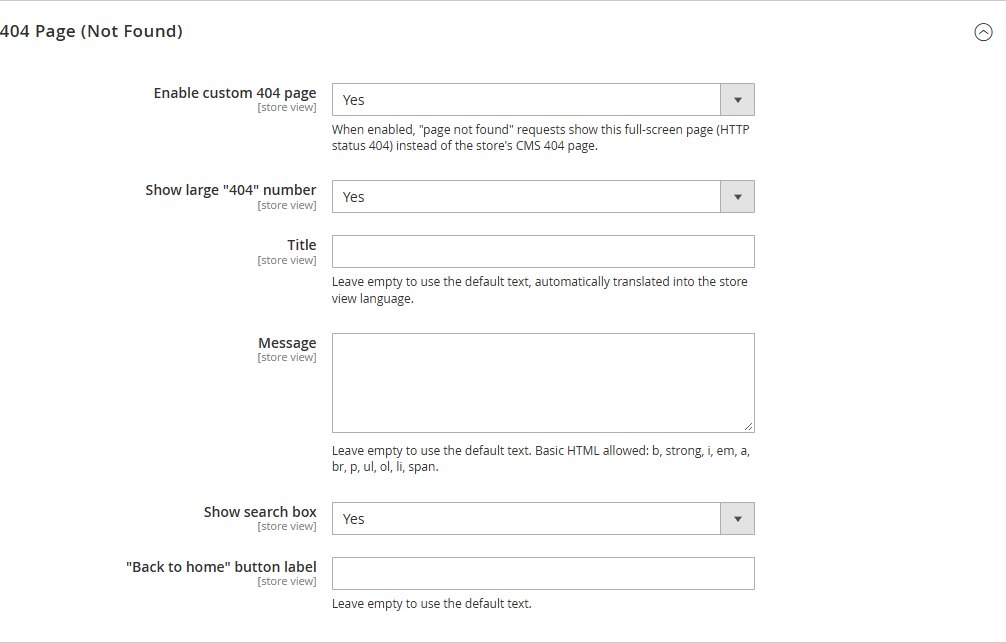
| Enable custom 404 page | Replaces the Magento 404 page. | Yes/No. |
| Show large "404" number | Big colored number above the title. | Uses the accent color. |
| Title / Message | The texts of the page. | Empty = translated default text. Basic HTML allowed in the message (b, strong, i, em, a, br, p, ul, ol, li, span). |
| Show search box | Catalog search of the store. | — |
| "Back to home" button label | Text of the button. | Empty = default text. |
| Maintenance Page | ||
| Installation status | Whether the skin is installed in pub/errors. | Must say Installed (see Maintenance page). |
| Enable custom maintenance page | Shows your page while maintenance mode is on. | Yes/No per store view. |
| Title / Message | The texts of the page. | As for the 404 page. |
| Highlighted note | Short note in the accent color. | E.g. "Back online at 2 PM". |
| Auto-reload page every (seconds) | Reloads the visitor's page automatically. | 0 = never; 60 = every minute. |
| Design | ||
| Logo / Logo max width | Store logo, custom logo or none. | Store logo = the one set in Content → Design → Configuration. |
| Background | Solid color, two-color gradient or full-screen image. | Image darkening from 0 to 90%. |
| Content box | None, light or dark. | — |
| Font / Title size / Alignment | Typography of both pages. | — |
| Text, accent and button text colors | Colors, each with a color picker. | Accent = 404 number, links, buttons, note. |
Uninstallation
Restore the standard Magento maintenance page before removing the module:
bin/magento codingrow:c404m:deploy --uninstall
composer remove codingrow/module-custom-404-maintenance
bin/magento setup:upgrade
If you remove the module without --uninstall, the maintenance page keeps showing the last generated version until the skin is removed. To simply go back to the standard pages without uninstalling, set Enable custom 404 page and/or Enable custom maintenance page to No.
User guide
404 page
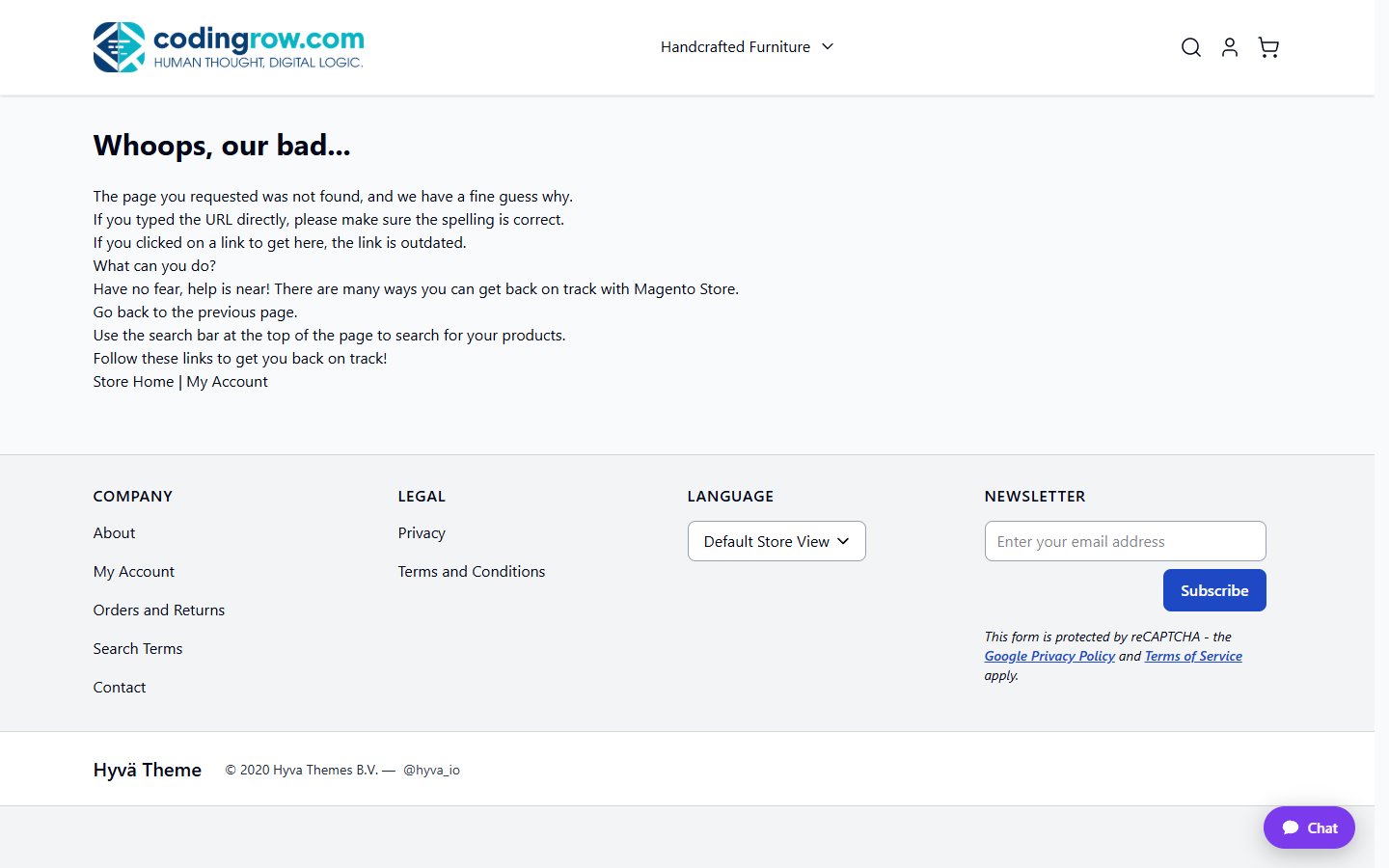
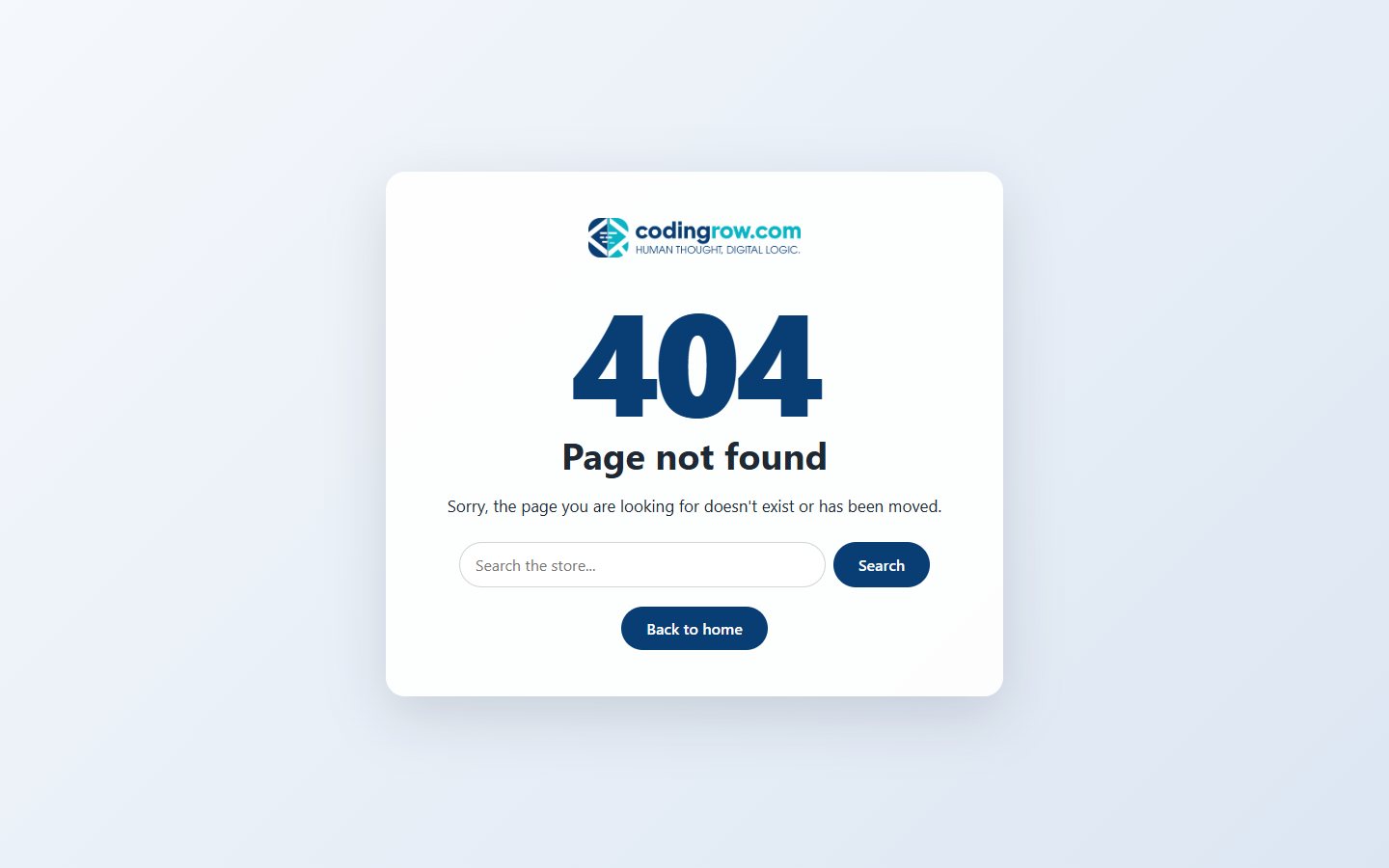
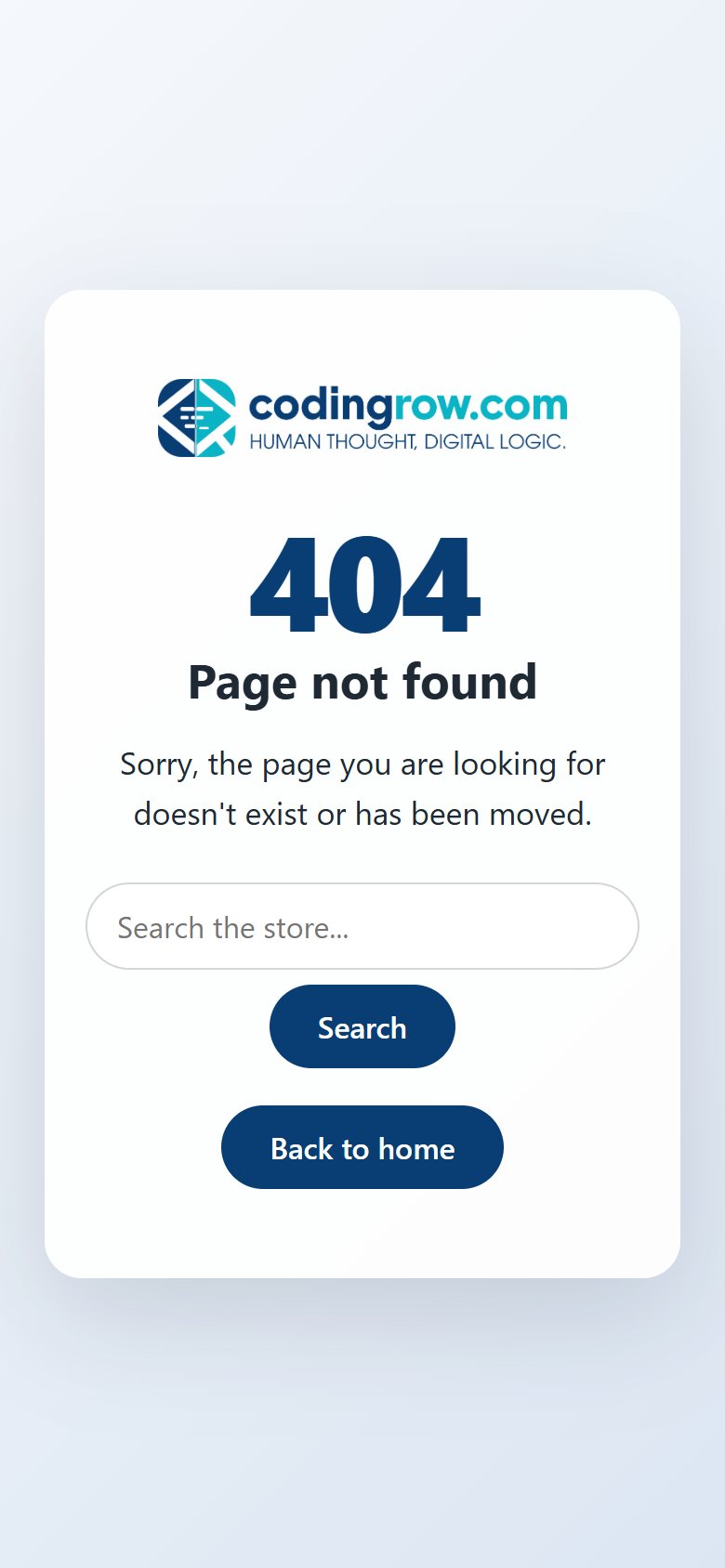
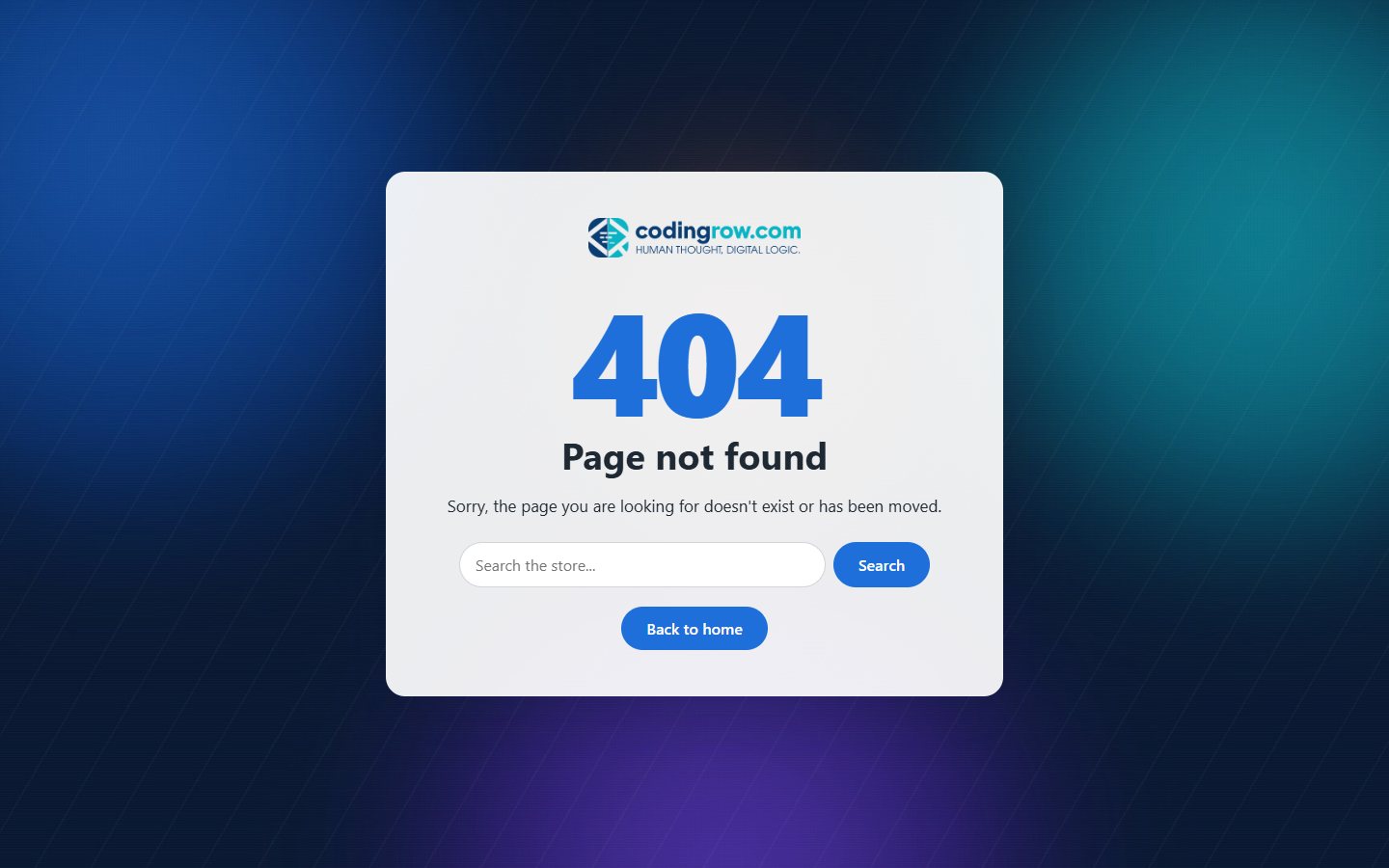
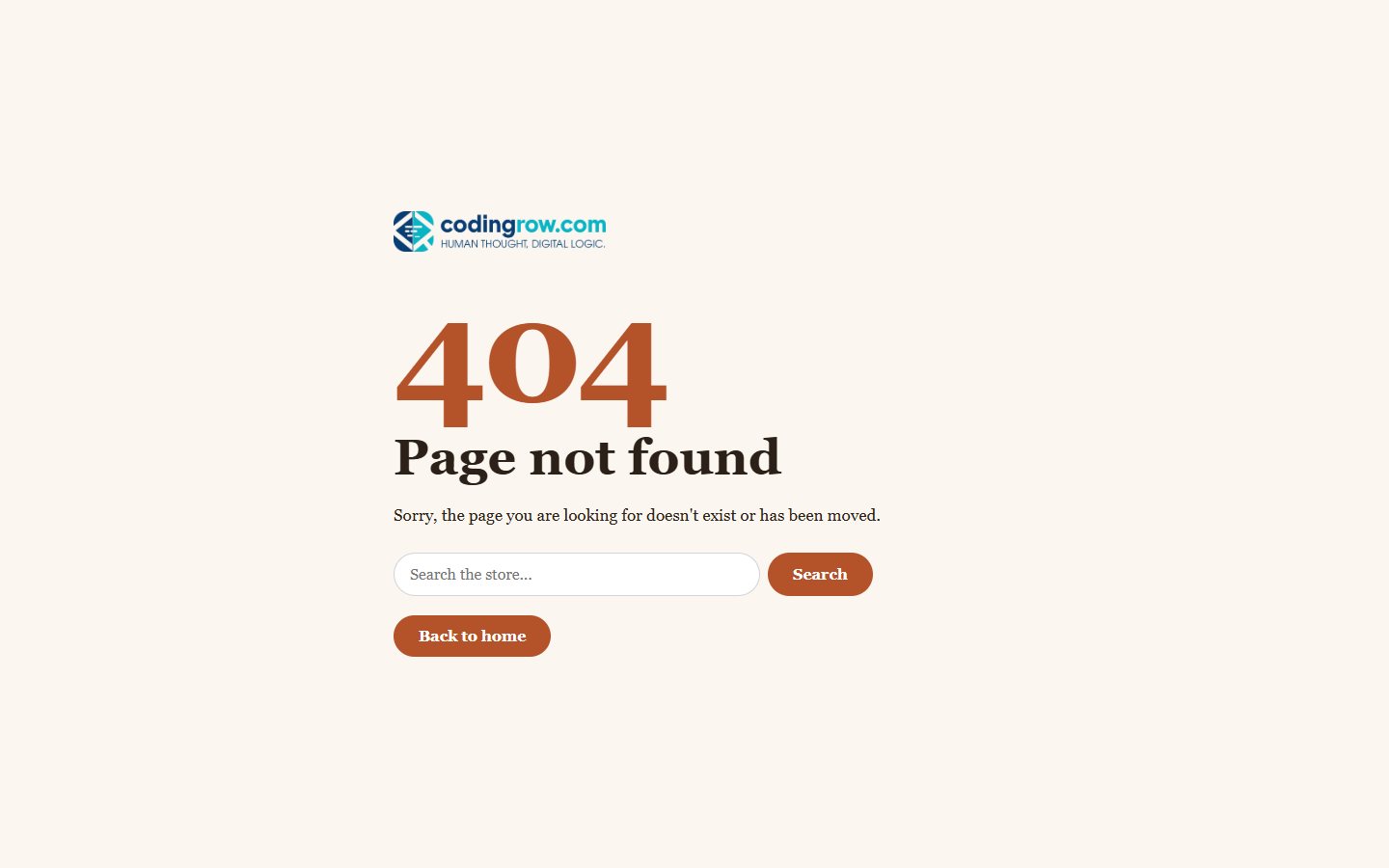
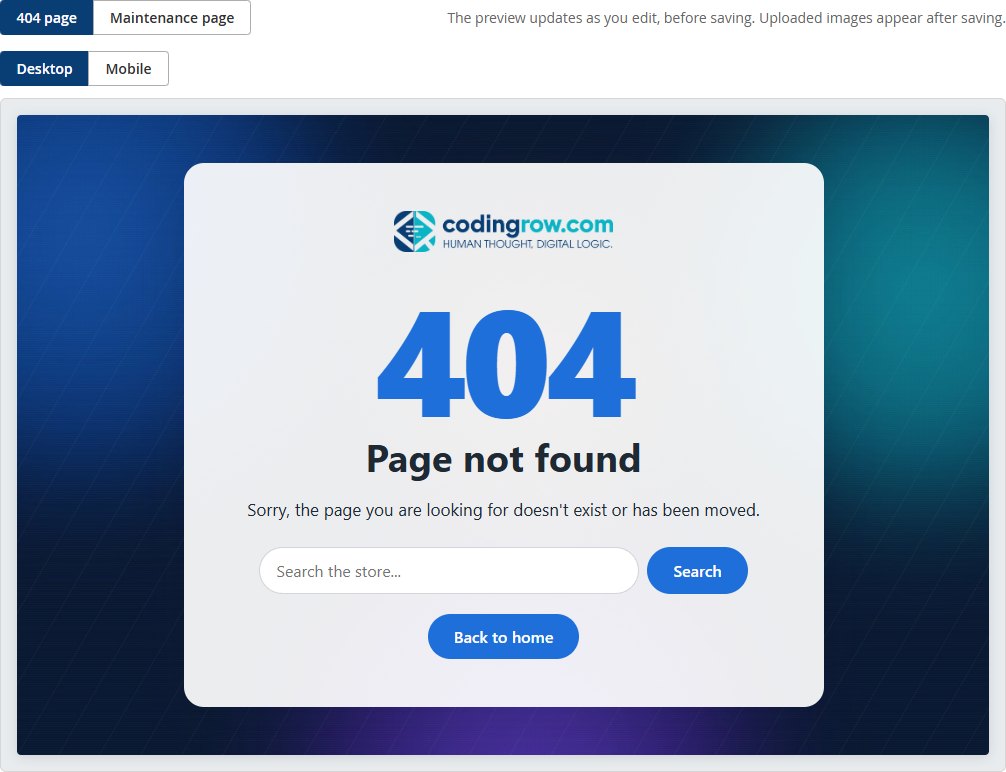
When a URL does not exist, instead of the CMS “404 Not Found” page the store shows a full-screen page with the logo, an optional large “404”, title, message, an optional search box and a “Back to home” button. The response keeps the HTTP 404 status, carries noindex and is never cached, so search engines do not index it.
Maintenance page
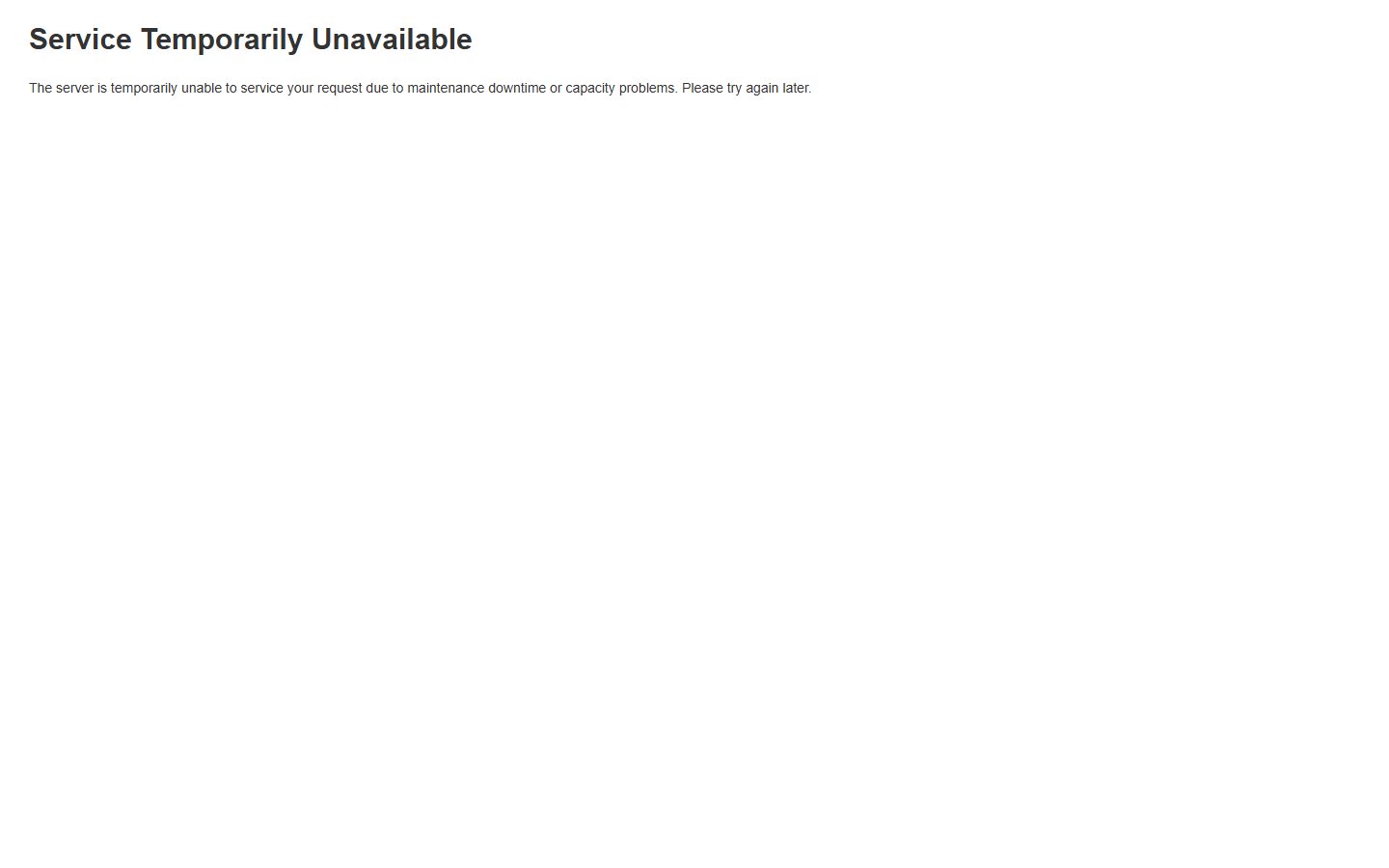
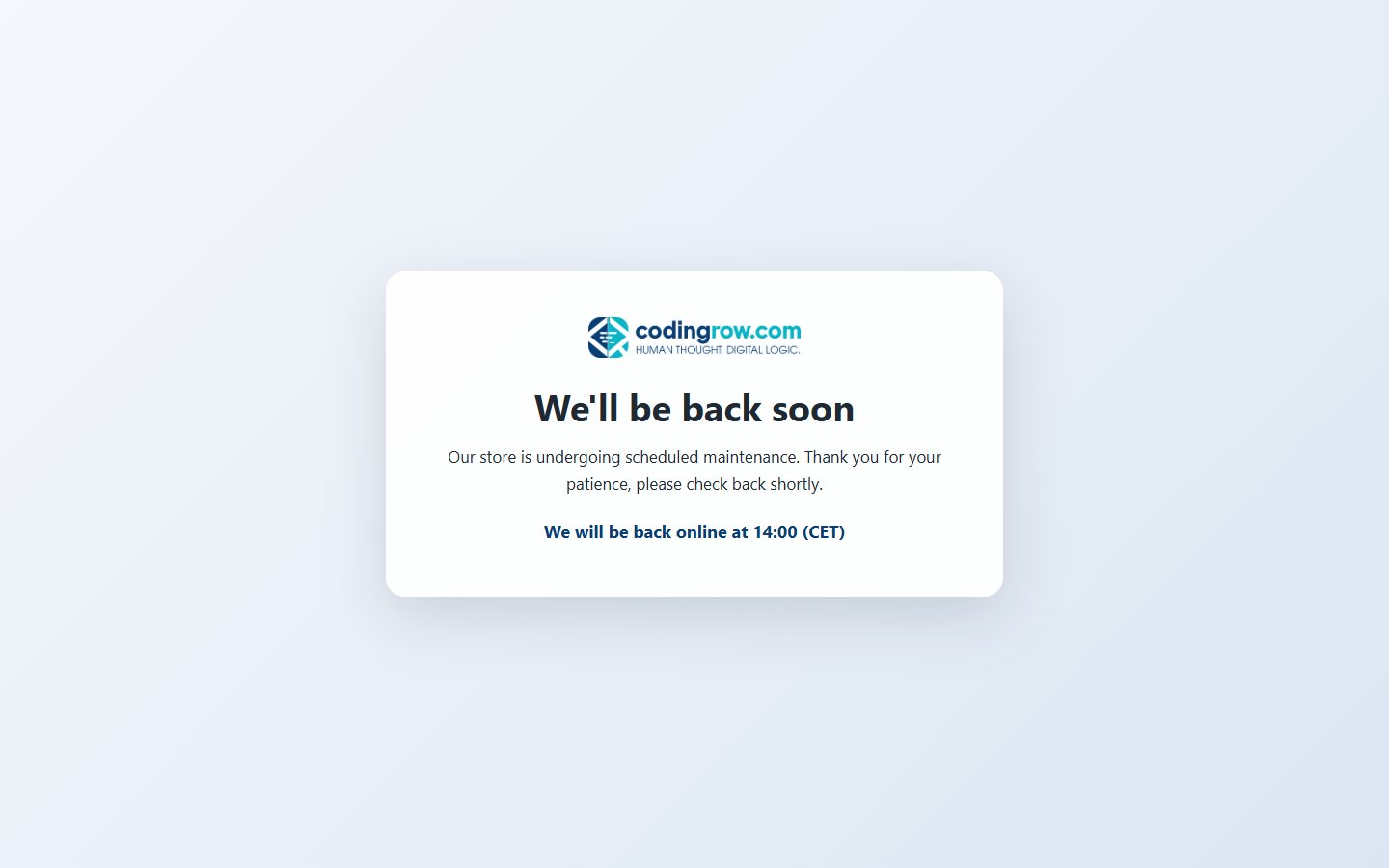
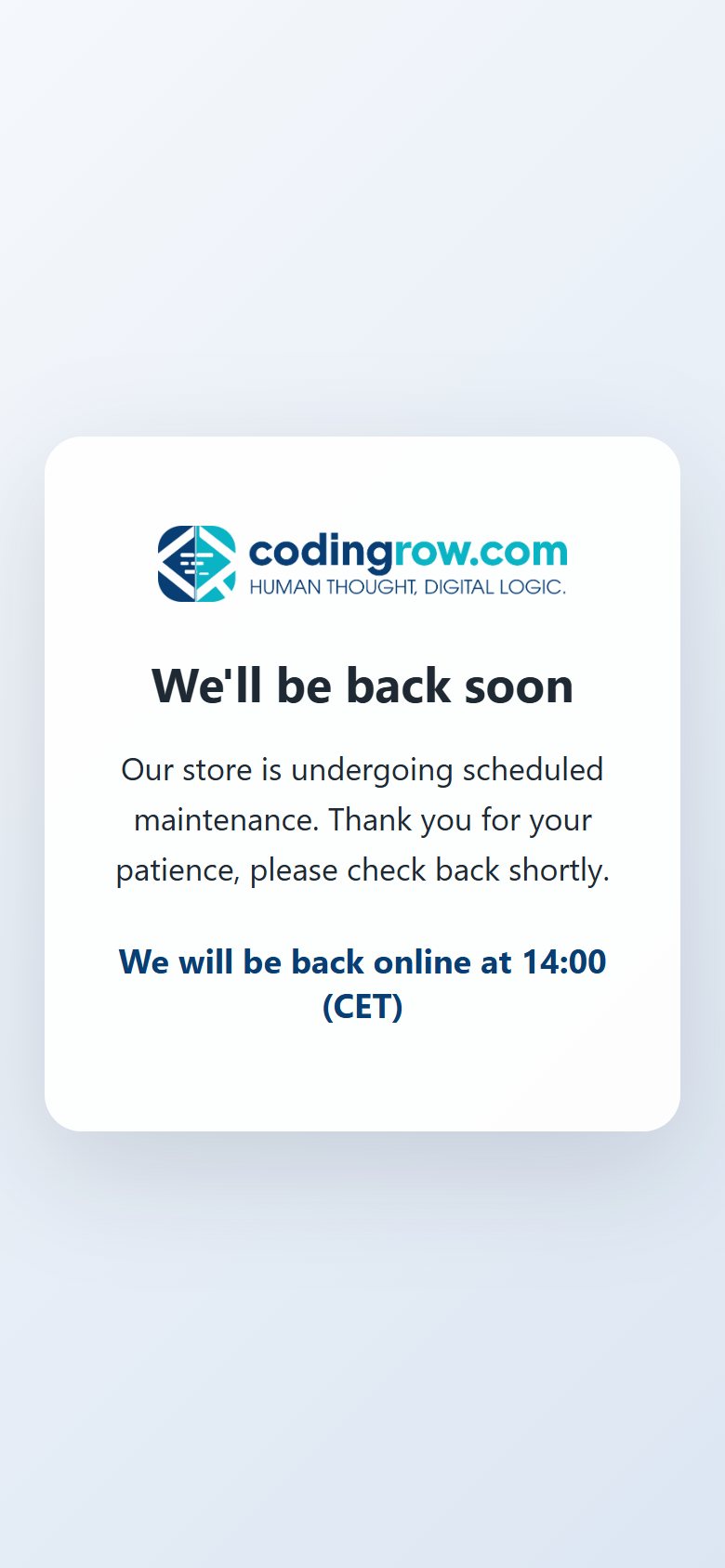
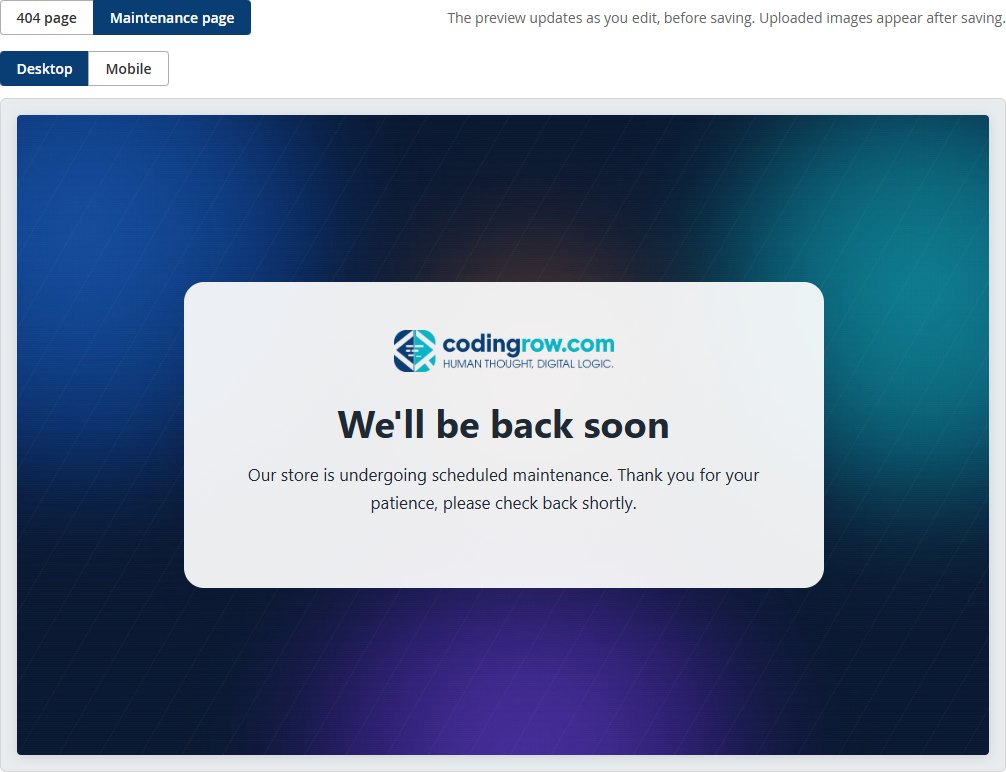
While maintenance mode is on (bin/magento maintenance:enable) Magento is not running and pub/errors/503.php answers instead. The module therefore:
- installs a skin in
pub/errors/codingrow_c404m/and activates it inpub/errors/local.xml(an existinglocal.xmlis backed up tolocal.xml.codingrow_c404m.bak); - pre-generates the page HTML for every store view;
- during maintenance picks the store view of the request (web server MAGE_RUN_CODE → domain/path → store cookie → browser language → default store) and serves its page with HTTP 503 and
Retry-After. If the page is not enabled for that store view, the standard Magento page is shown.
The HTML is regenerated automatically when you save the section, when the logo changes in Content → Design → Configuration and on every maintenance:enable. IPs excluded with --ip keep seeing the store.
pub/errors (normal and safe on hardened servers). Run bin/magento codingrow:c404m:deploy once as the Magento file owner, then reload the configuration page: it must say Installed.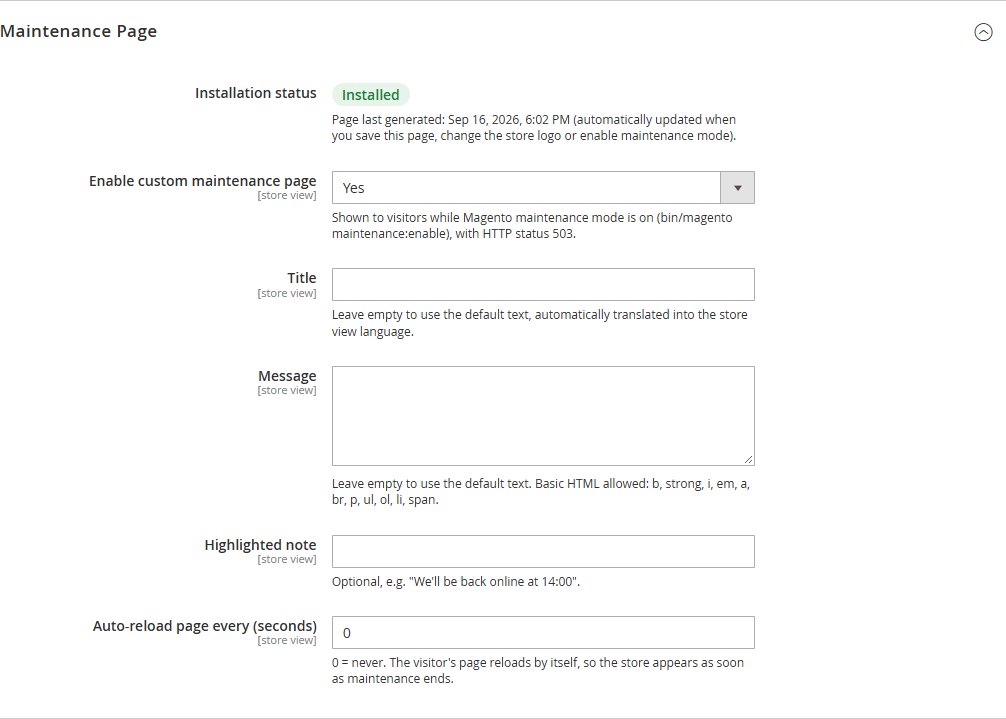
Design
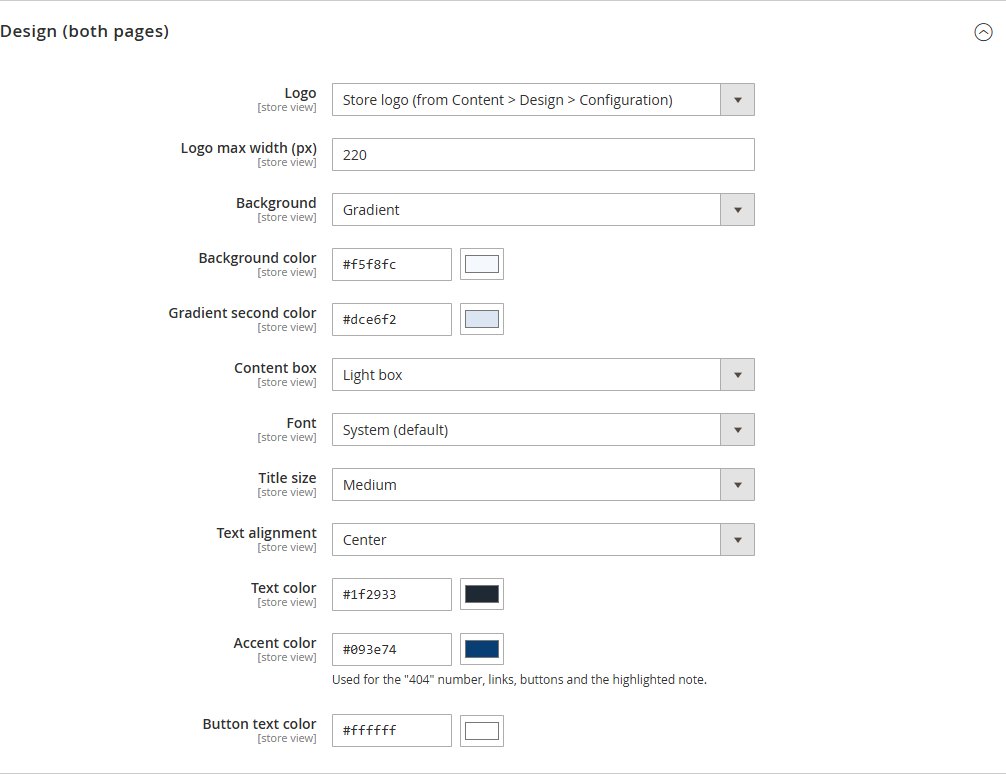
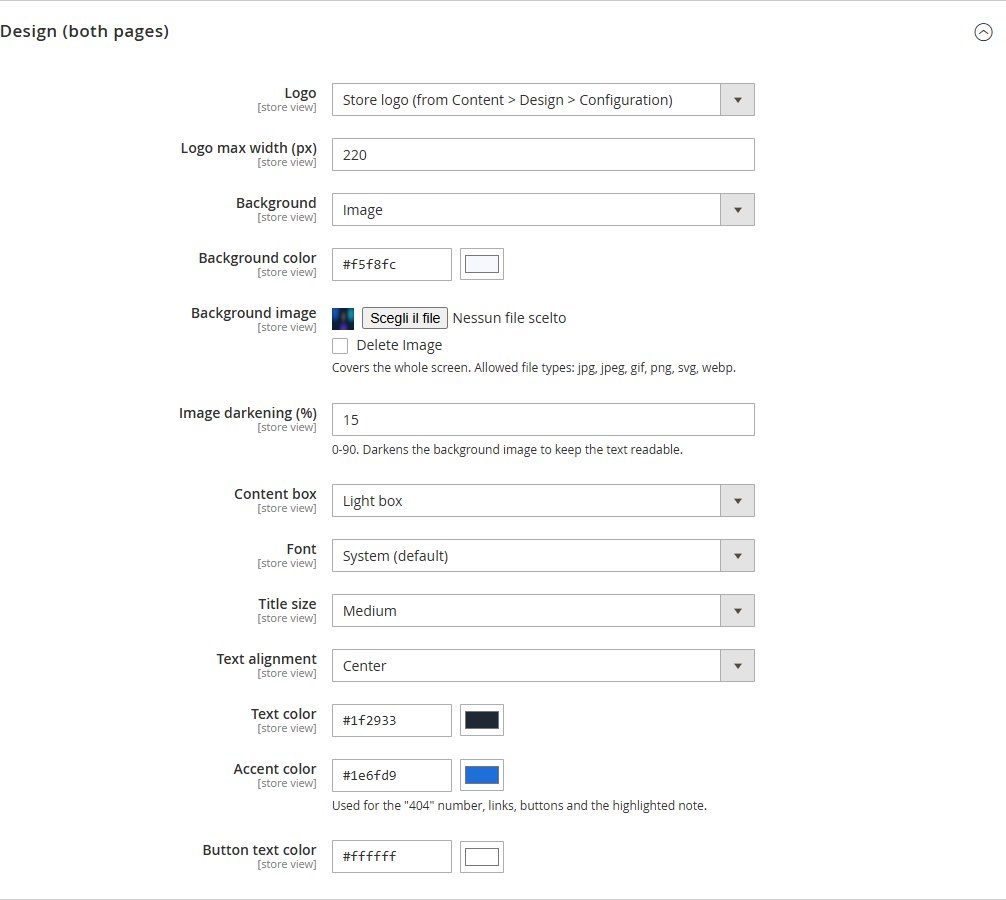
The design applies to both pages: logo (store logo, custom logo — jpg, png, gif, svg, webp — or none) with a maximum width; background as solid color, two-color gradient or full-screen image with 0–90% darkening; content box none, light or dark; font, title size and alignment; text color, accent color (404 number, links, buttons, note) and button text color, each with a color picker. The page is self-contained HTML/CSS and does not use the theme, so it looks identical on Hyvä and Luma.
Live preview
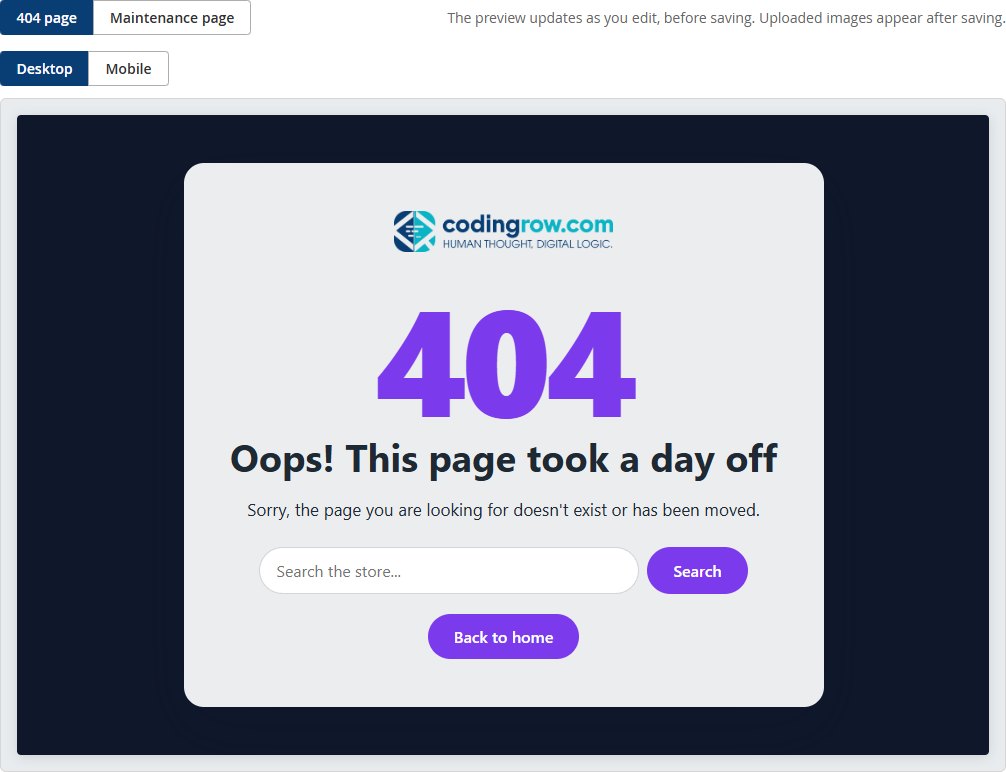
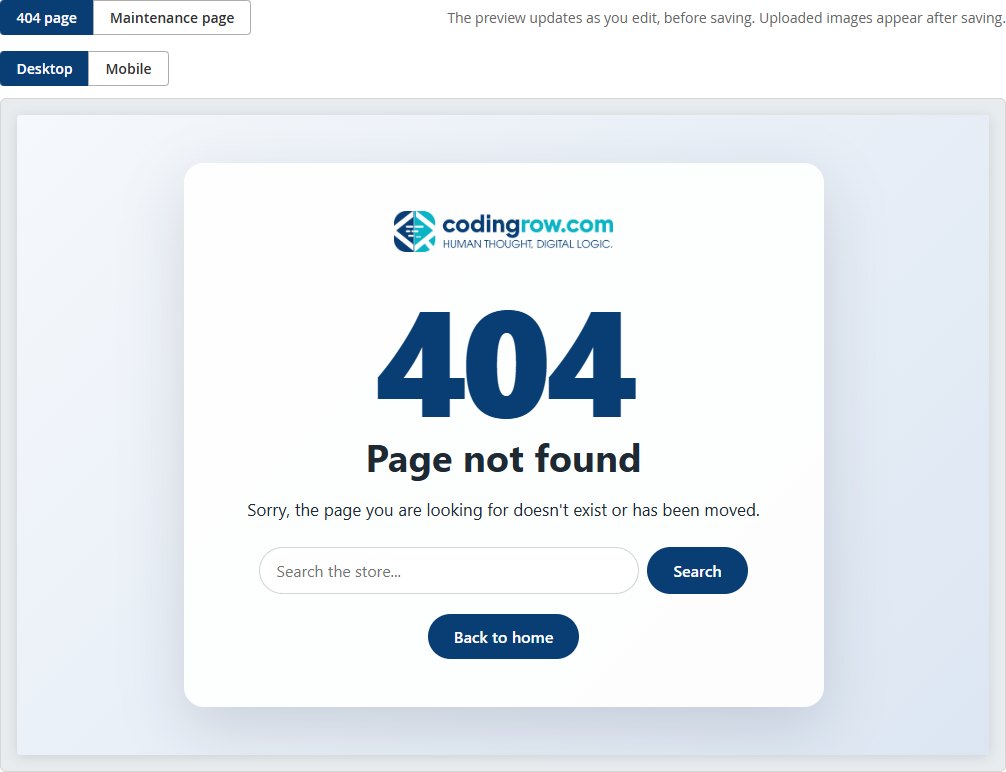
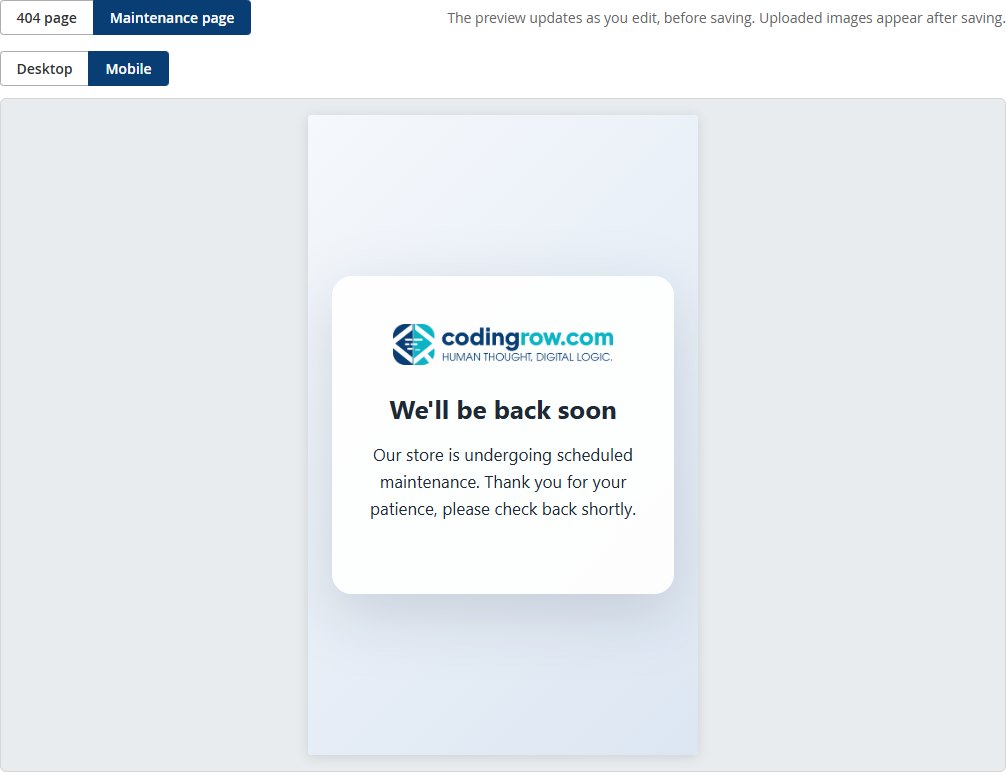
The Live Preview group shows the 404 page or the Maintenance page, on Desktop or Mobile, updated while you edit the fields and using the selected scope — before you save. Newly uploaded images (custom logo, background image) appear in the preview after saving.
CLI command
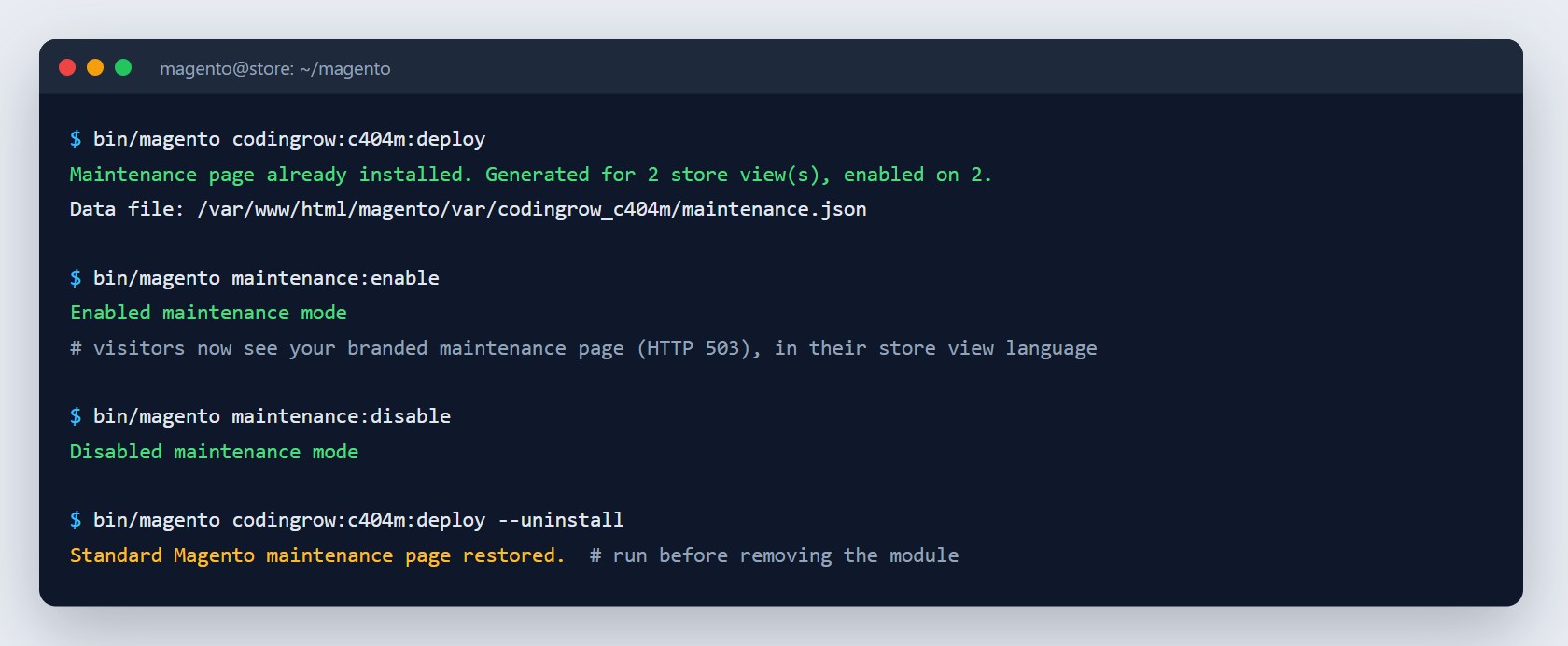
bin/magento codingrow:c404m:deploy installs or updates the maintenance skin in pub/errors and regenerates the pages for all store views. You only need it when pub/errors is not writable by the web server; the skin files are created with 644/755 permissions. --uninstall restores local.xml and removes the skin, bringing back the standard Magento maintenance page.
Troubleshooting
- I still see the old 404 page: check that Enable custom 404 page is Yes in the scope of the store view you are looking at, flush the cache (System → Cache Management) and test a URL that really does not exist.
- During maintenance I see the standard Magento page: Installation status must be Installed, the page must be enabled for that store view and your IP must not be excluded with
--ip. Then runbin/magento codingrow:c404m:deploy. - Wrong language during maintenance: set the texts in the scope of the right store view; if several store views share the same address, the store cookie and then the browser language decide. Run
bin/magento codingrow:c404m:deployafterwards. - The logo does not show: with Store logo it comes from Content → Design → Configuration → Header → Logo Image (or the theme's logo); choose Custom logo to upload one, and increase Logo max width if it looks too small.
- The background image is missing from the preview: uploaded images appear after saving; make sure Background is set to Image.
License
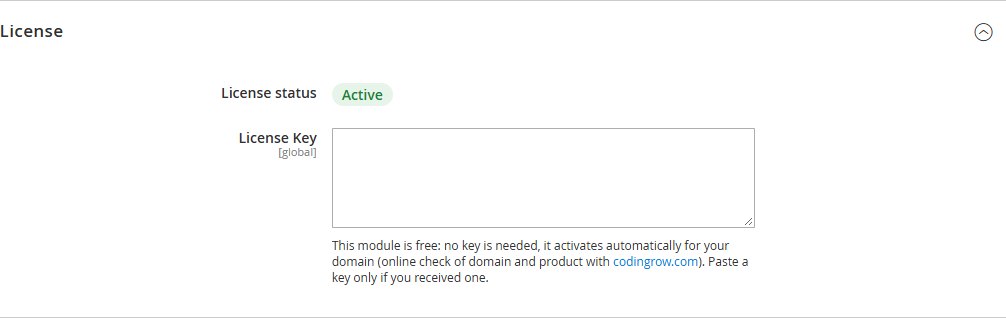
Custom 404 & Maintenance is free and there is no key to enter: once installed, the module activates automatically on your domain. It makes a light online check with codingrow.com, sending only the store domain, the product and the installed version (no data about your customers), and remembers the last answer, so a temporary network problem does not switch it off. The form on the product page only sends you the credentials for the Codingrow Composer repository, which you use to download the module and its updates.
If the module ever becomes paid: domains that have already activated it stay free, forever, on all versions released up to that date — no domain change and no support request needed. The Magento log states the last version you can install for free; newer versions would require a license.