 Free Magento 2 extension
Custom 404 & Maintenance
Turn Magento's plain “404 Not Found” page and its default maintenance screen into full-screen pages that look like your store — your logo, your words in every language, your colors. Preview them live, then save. Free, activates automatically with no key.
Instant delivery: your Composer download credentials are emailed right away.
No key to paste: the module activates automatically on your domain.
Default page texts already translated into 7 languages.
Works exactly the same on Hyvä and Luma.
Before and after
Same store, same URL: drag the handle to compare the standard Magento page with the page generated by the module.
404 page
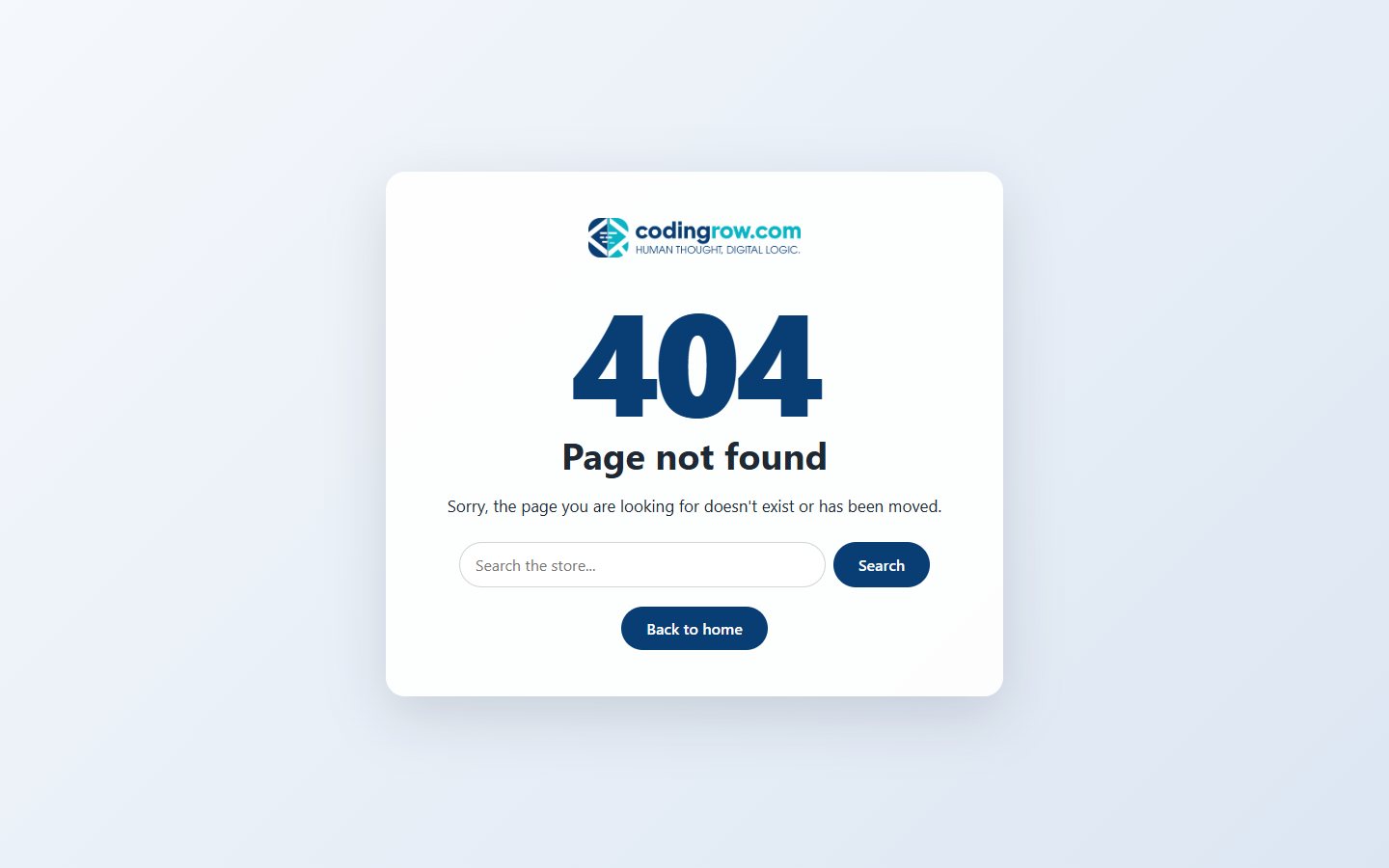
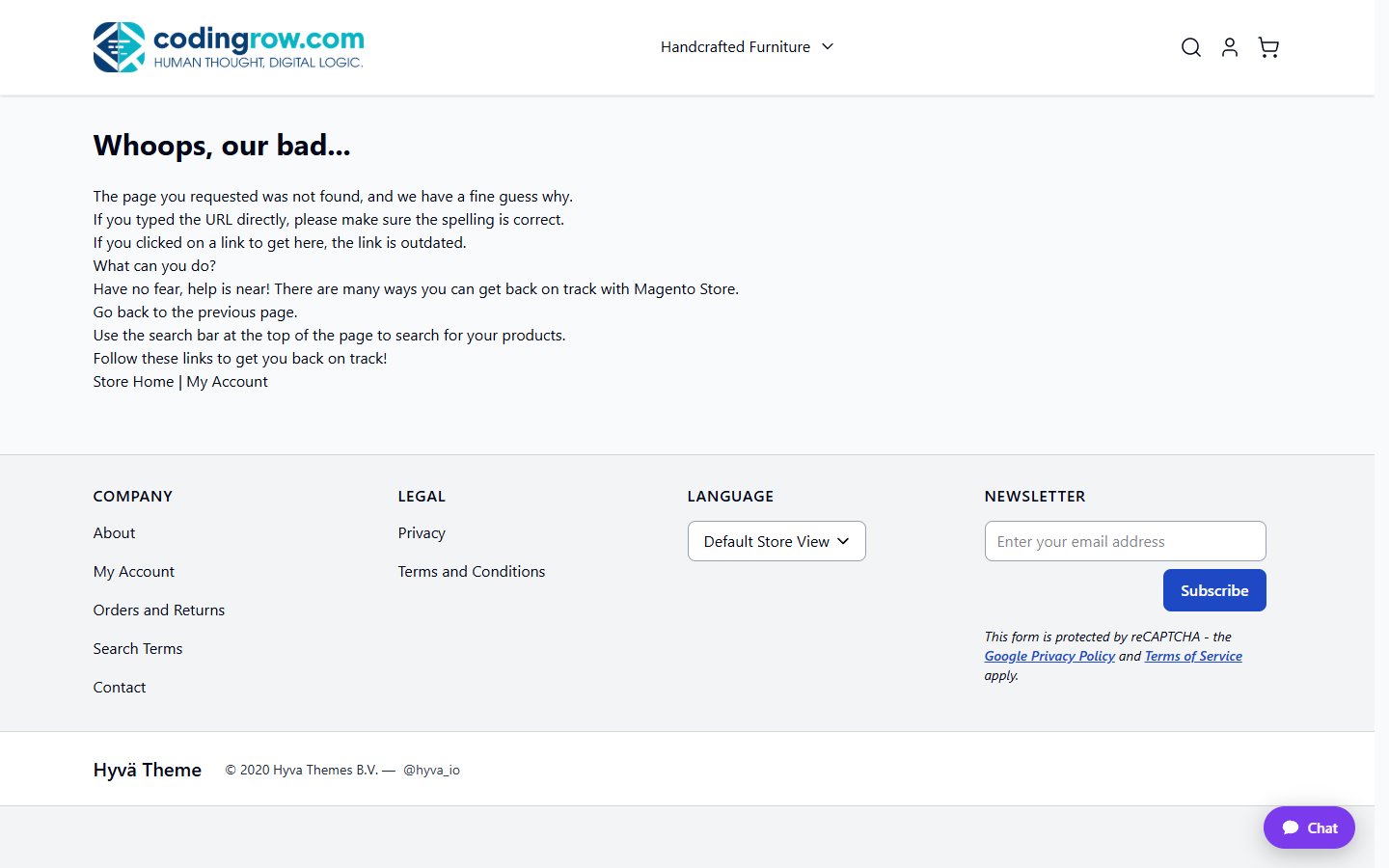 Standard Magento
With the module
Standard Magento
With the module
Left: the theme’s standard 404 page (here Hyvä), with header, footer and generic text. Right: the same URL with the module — full screen, store logo, large 404, catalog search and a button back to the home page.
Maintenance page
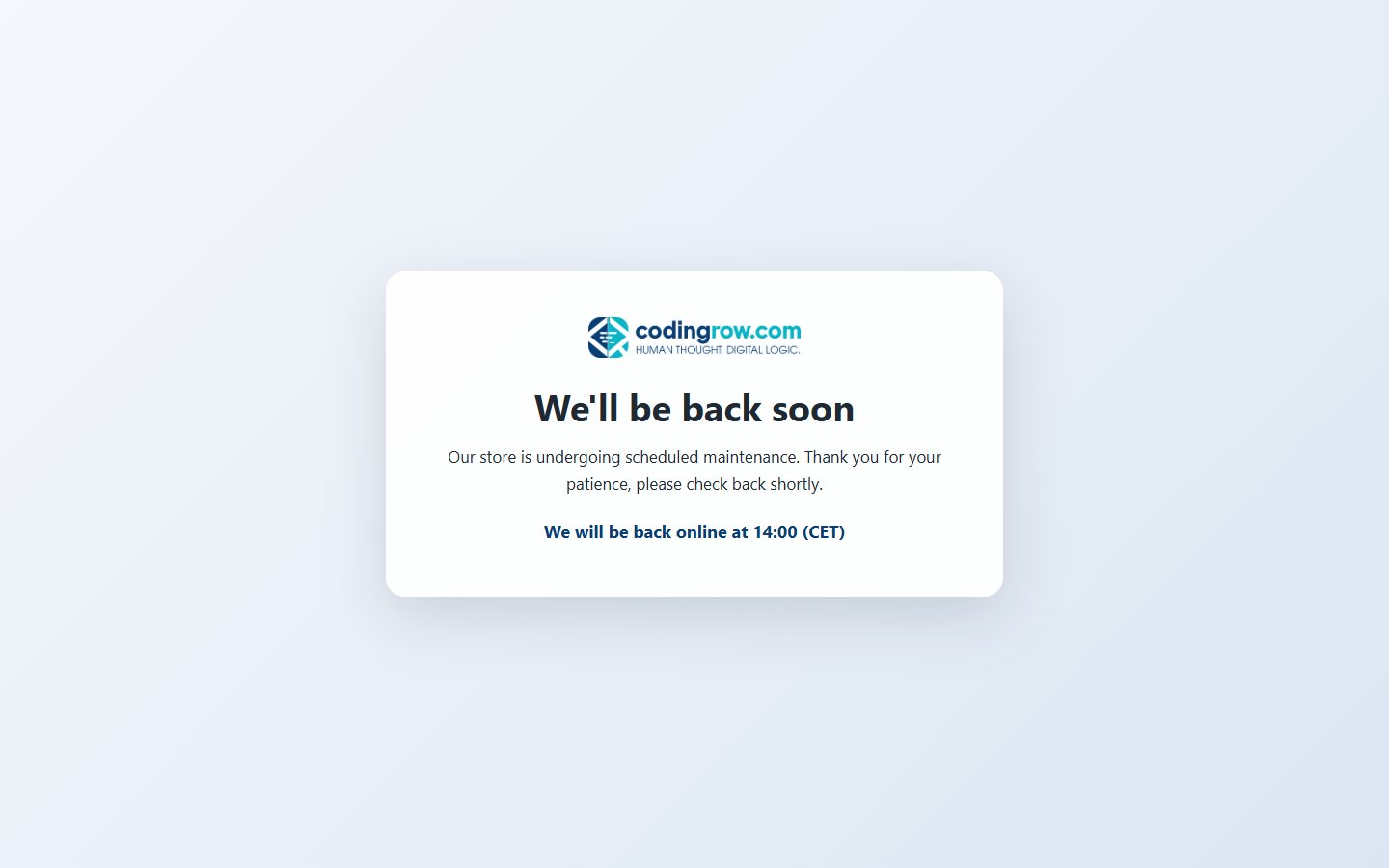
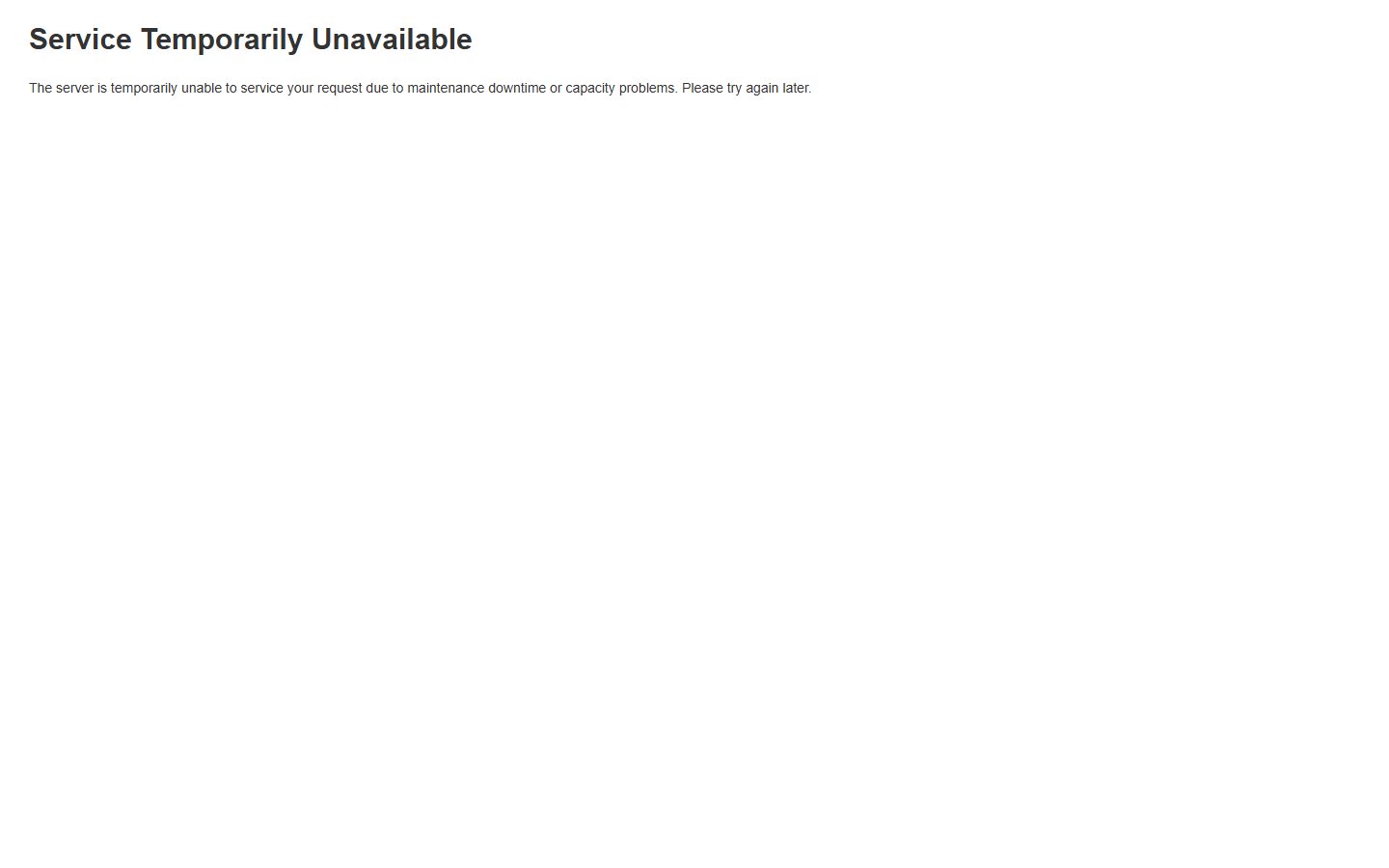 Standard Magento
With the module
Standard Magento
With the module
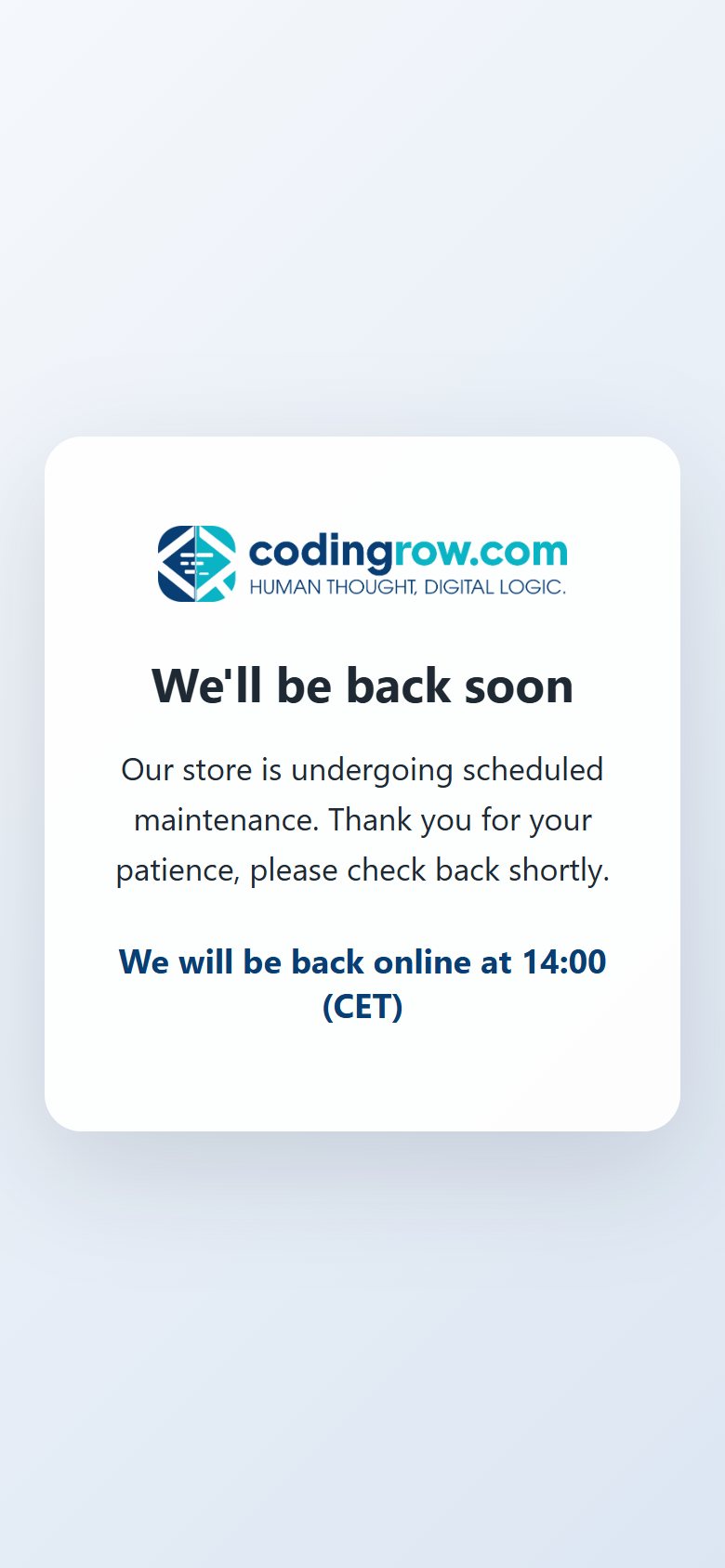
Left: Magento’s standard maintenance page, “Service Temporarily Unavailable” in black on white. Right: the branded page with logo, message and the highlighted note “We will be back online at 14:00 (CET)”, served with HTTP 503.
How it works
No code and no template overrides — everything is set from the Magento admin, with a live preview.
- Install and enable the module with Composer.
setup:upgradealso installs the maintenance page skin inpub/errors. - Design your pages in Stores → Configuration → Codingrow Extensions → Custom 404 & Maintenance: logo, texts, background, content box, font and colors — per store view if you like.
- Check the live preview (404 or maintenance, desktop or mobile) and save. The maintenance page is regenerated automatically on every save and on every
maintenance:enable.
Two pages that finally look like your store
404 page
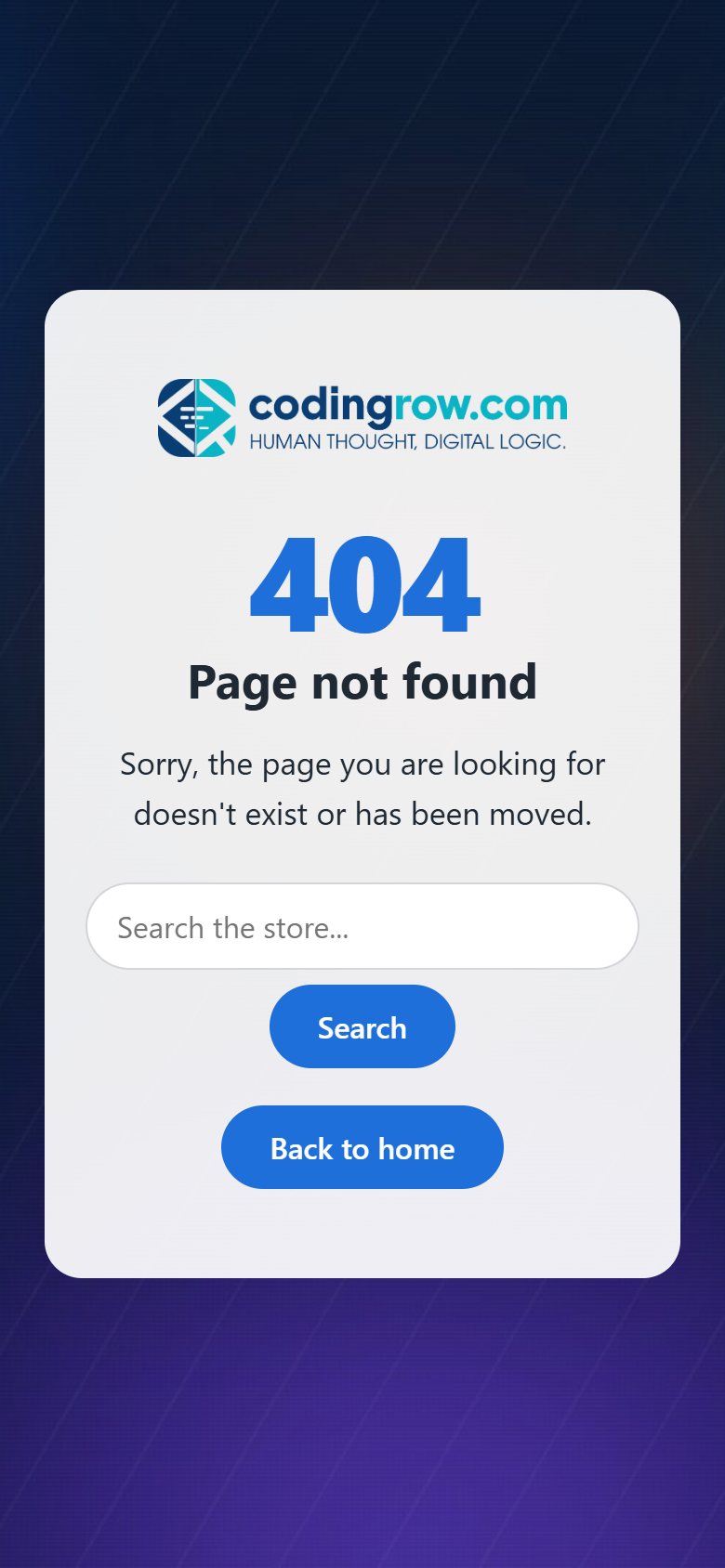
When a page does not exist, visitors see a full-screen page with your logo, an optional large “404”, your title and message, an optional catalog search box and a “Back to home” button. It keeps the HTTP 404 status, is marked noindex and is never cached, so it is safe for SEO.
Maintenance page
During bin/magento maintenance:enable Magento itself is not running, so the module pre-generates your page for every store view and serves it through Magento's own pub/errors handler with HTTP 503 and Retry-After. The language is chosen automatically from the store view of the request; you can add a highlighted note (e.g. “Back online at 2 PM”) and automatic reload, and excluded IPs keep seeing the store.
Design without code
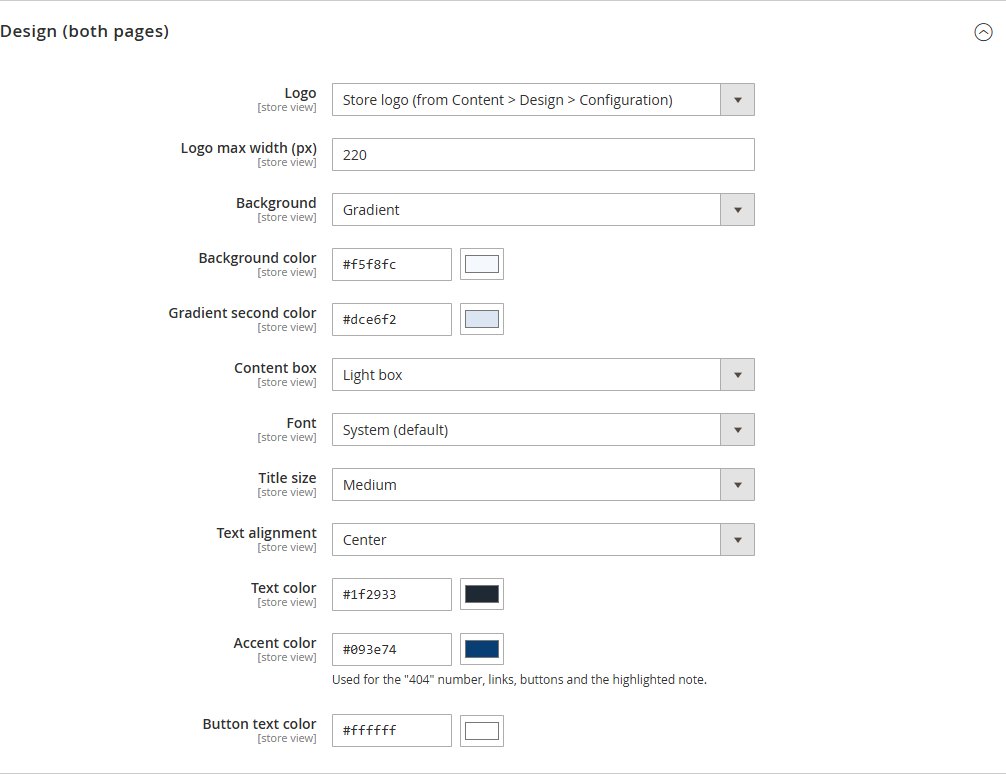
Store logo taken automatically from Content → Design → Configuration (or a custom one, or none); solid color, two-color gradient or full-screen image background with darkening; light, dark or no content box; font, title size and alignment; text, accent and button colors with a color picker.
One module, many looks
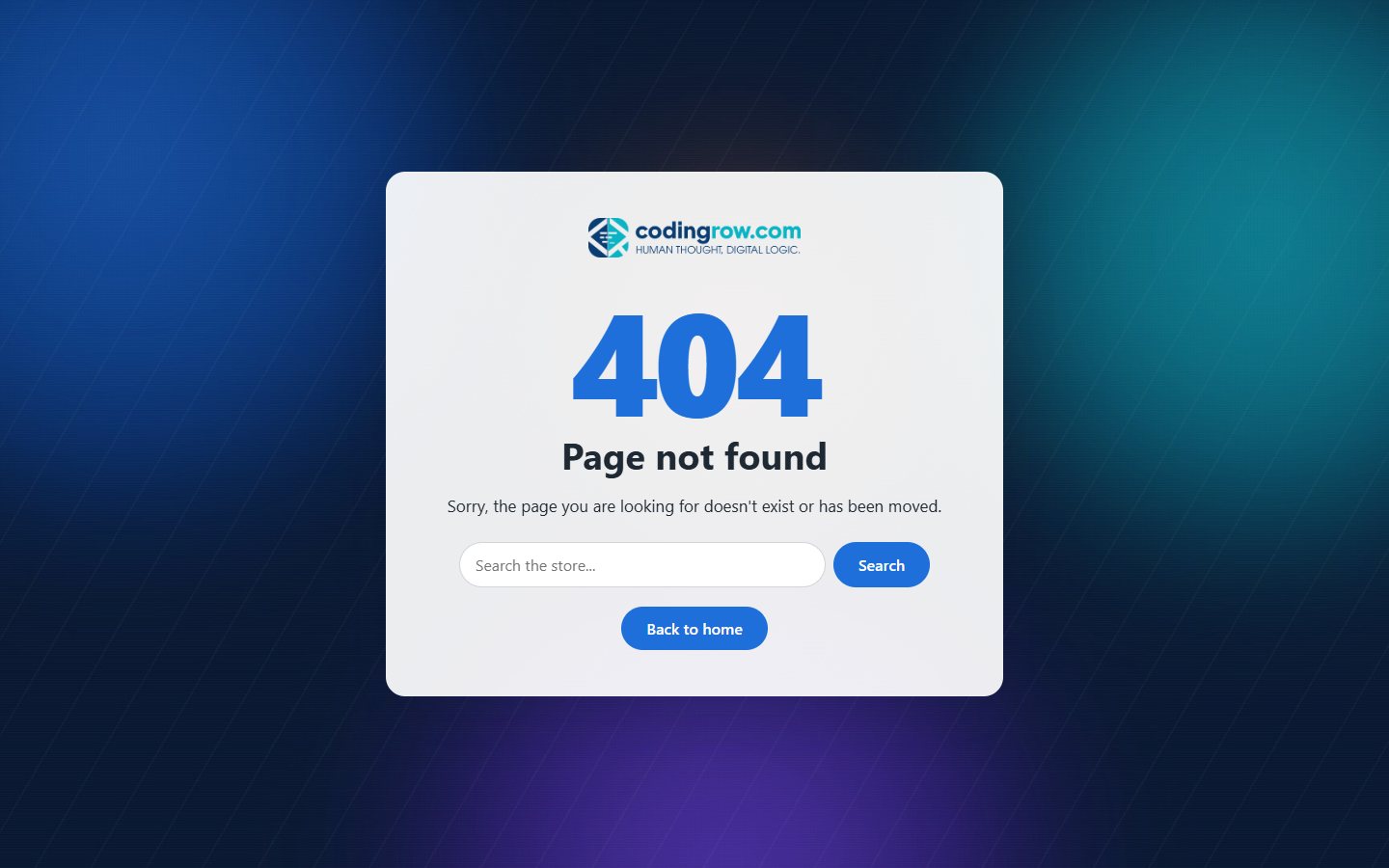
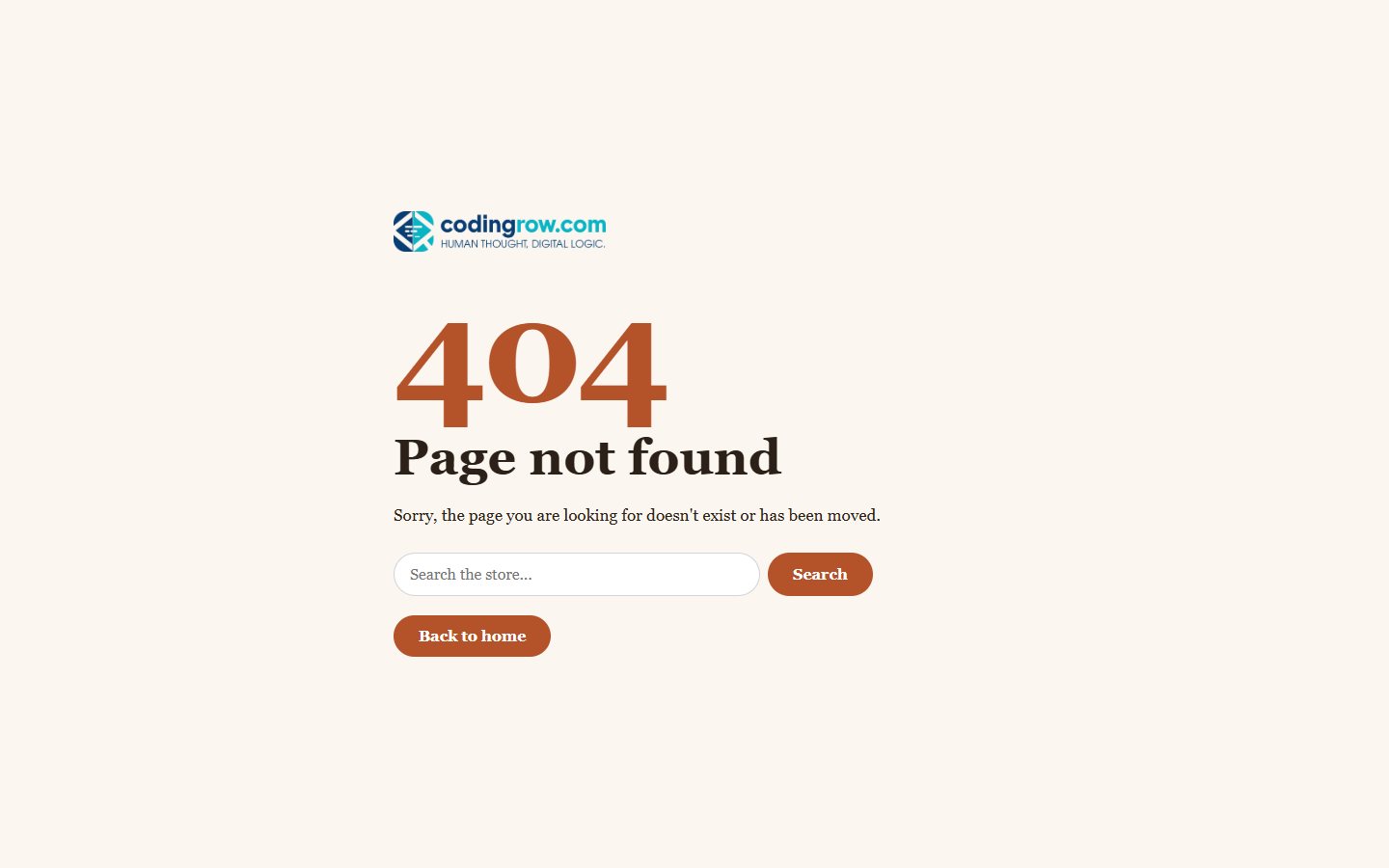
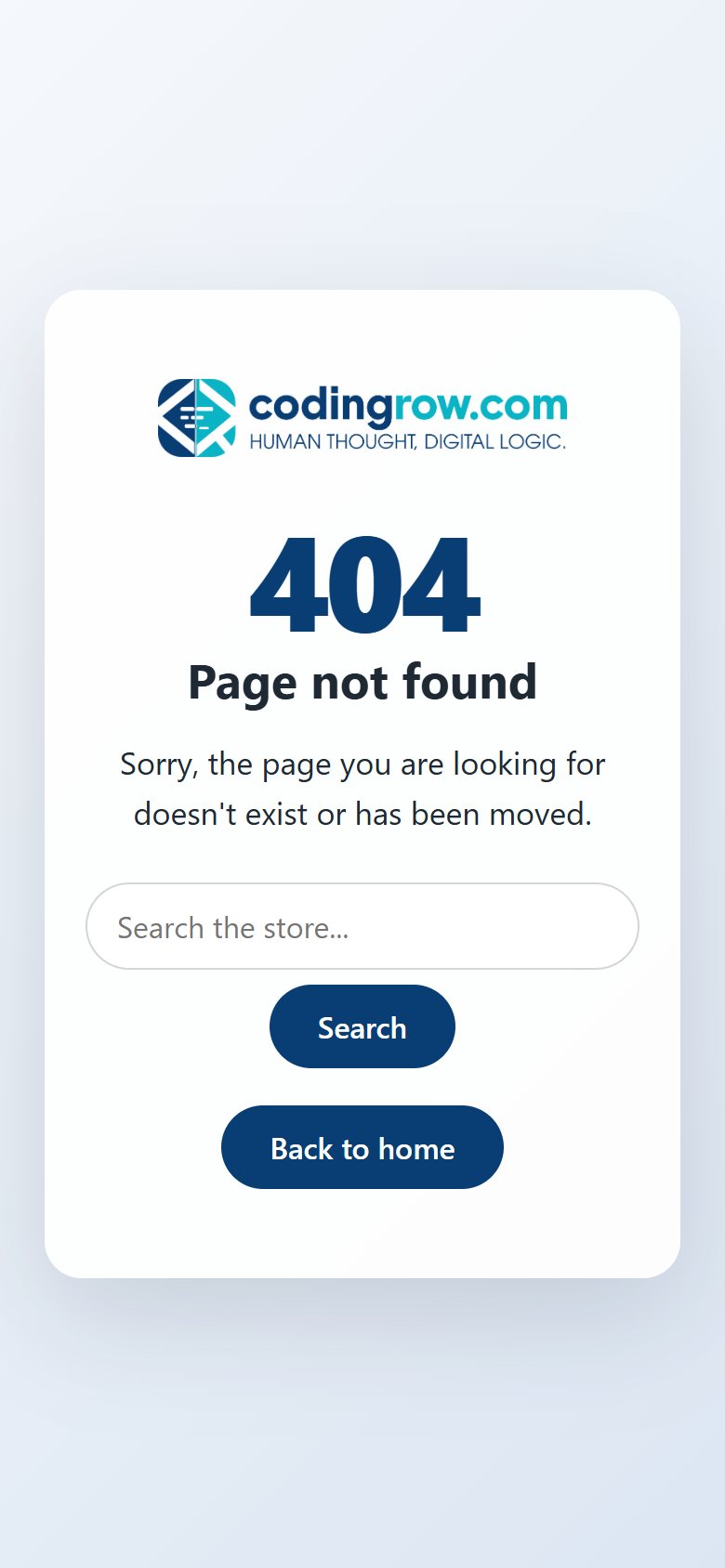
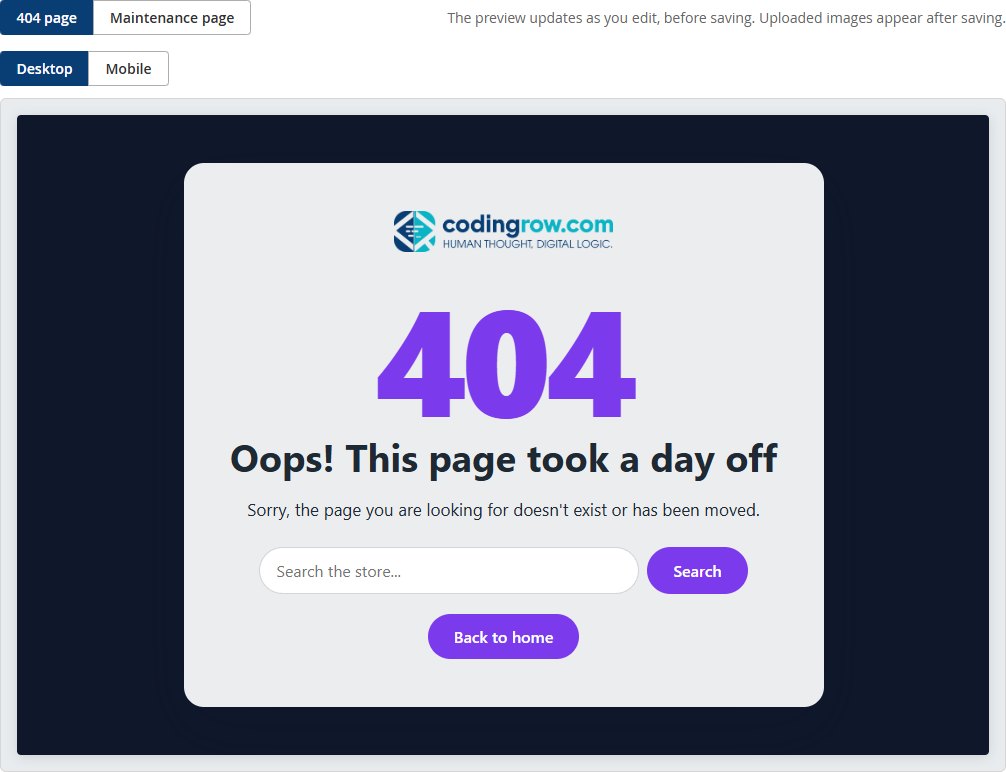
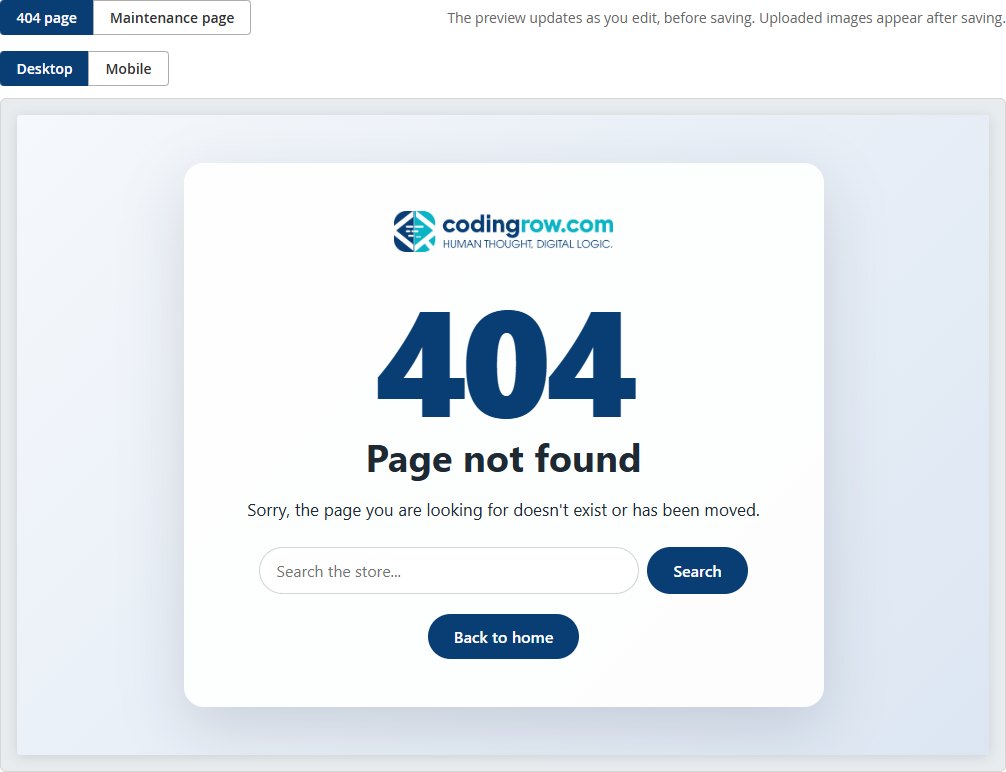
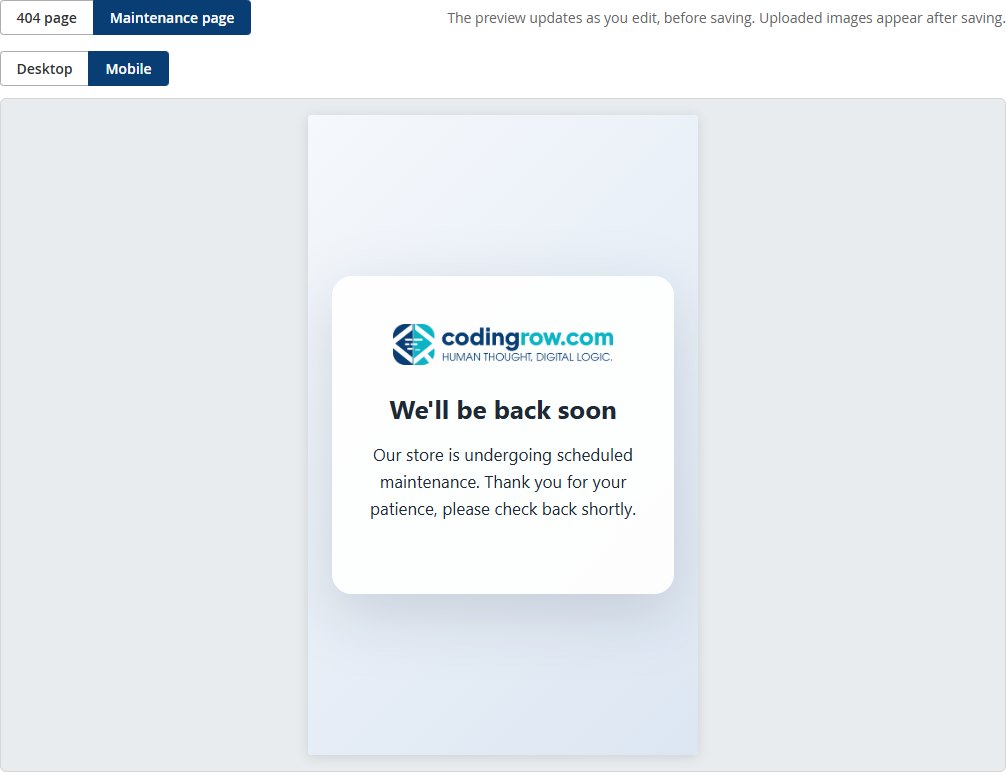
All of these are the same module, configured from the admin without a line of code: background image, colors, font, alignment and content box. Every page is responsive and works on smartphones too. Click an image to open it at full size.
Live preview in the admin
Right below the settings, the live preview shows the 404 or the maintenance page, on desktop or mobile, and updates as you type — before you save.
What it does
- Full-screen 404 and maintenance pages with your store logo.
- Texts per website and store view; empty fields use default texts already translated into 7 languages.
- Color, gradient or image background with darkening; light, dark or no content box.
- Font, title size, alignment and text/accent/button colors with a color picker.
- Live preview of both pages, desktop and mobile, before you save.
- Real maintenance page with HTTP 503, served even while Magento is down.
- SEO-safe 404: HTTP 404 status, noindex, search box and back-to-home button.
- Self-contained HTML/CSS, identical on Hyvä and Luma. Free, activates automatically with no key.
Translated into 7 languages
The admin interface and the default page texts ship fully translated:
Each visitor sees the texts of their own store view: leave a field empty to use the built-in translation, or write your own text per store view.
Requirements
Magento 2.4.x, PHP 8.1–8.5. Compatible with both the Luma and Hyvä themes. Depends on the free Codingrow Core module (codingrow/module-core), installed automatically.
Documentation
A complete setup guide and field reference, including how the maintenance page works and common troubleshooting — the same level of detail our support uses to help customers.
No key to enter: it activates by itself
Request the module with just your email (no domain needed): you receive the credentials for the Codingrow Composer repository by email, and that's it. There is no key to enter: once installed, the module activates automatically on your domain with a quick online check (it sends only the store domain, the product and the version to codingrow.com). And if one day this module becomes paid, domains that have already activated it stay free on the versions released until then — no domain change, no support request.
Changelog
Every release at a glance.
- First version: full-screen 404 and maintenance pages with the shop's logo.
- Per-store-view texts ready in 7 languages.
- Options for background, panel, type and colours, with a live preview.
- The maintenance page picks the language itself, and the 404 is correct for search.