Selling in several languages means every product name, description and meta tag needs a local version — and Magento 2 handles this natively through store views, without any paid extension. This guide walks through the exact admin steps to translate product descriptions in Magento 2 correctly, so each locale shows accurate, SEO-friendly content instead of a mix of languages.
- Create and configure a dedicated store view per language/locale
- Override product content (name, description, meta) at the store view scope
- Translate URL keys, CMS blocks and static theme strings
- Reindex, test and avoid the most common multi-language pitfalls
Step 1: Create a store view for each language
Magento's content scope is built on Website > Store > Store View. To have a French and a German version of your catalog, you need one store view per language under the relevant store.
Expect two new rows in the store view grid, each tied to the same store and website.
Step 2: Set the correct locale for each store view
Each store view needs its own locale so dates, currency formatting and translation dictionaries behave correctly.
Repeat for every language store view. This also activates Magento's built-in translation dictionaries for admin and frontend strings.
Use Website (or Use Default) before changing the value — otherwise the field stays locked to the parent scope. Step 3: Translate product name, description and short description
Open any product and switch the store view scope at the top of the edit page before touching content fields.
Save the product. Magento stores this as a scope-specific override — the default store still shows the original text.
Default Values, you overwrite the base content used as fallback for every store view, not just one language. Step 4: Translate meta title, meta description and URL key
SEO fields are also scopable and must be translated to avoid duplicate-content issues across languages.
Each store view gets its own indexable URL, which search engines can treat as a distinct localized page.
Create Permanent Redirect for URLs if URL Key Changed under Stores›Configuration›Catalog›Catalog›Search Engine Optimization so old links still resolve after you localize slugs. Step 5: Translate categories, CMS pages and static blocks
Product pages aren't the only content that needs translation — category descriptions, the homepage, and footer blocks also carry text.
Expect every customer-facing section — not just PDPs — to display consistently in the visitor's language.
Step 6: Handle theme and system strings
Buttons, labels and system messages ("Add to Cart", "In Stock") come from Magento's i18n CSV dictionaries, not the database.
Generate the CSV, translate the right-hand column, and place the file in the theme's i18n folder for that locale.
bin/magento setup:static-content:deploy fr_FR after editing them. Step 7: Reindex and verify each store view
After bulk edits, refresh indexes so translated content and URLs propagate to the storefront and search.
Or via CLI: bin/magento indexer:reindex
Then browse the storefront with each store view's base URL (or the store switcher) to confirm names, descriptions, URLs and labels all match the expected language.
Checklist
- ☐ One store view created per language, with the correct locale set
- ☐ Product name, description and short description translated at store view scope
- ☐ Meta title, meta description and URL key localized per store view
- ☐ Category descriptions and meta fields translated
- ☐ CMS pages/blocks reviewed for each language
- ☐ Theme i18n CSV files translated and static content redeployed
- ☐ Indexes rebuilt and each storefront store view manually checked
Keep a spreadsheet mapping SKU → store view → translated fields before you start. It makes it easy to spot missing translations and speeds up any future catalog audit.
Common mistakes
Editing at the wrong scope. Translators often forget to switch the store view selector, silently overwriting the default content used by every language.
Fix: Always confirm the scope dropdown before saving, and double-check with Default Values afterward.
Duplicate or missing URL keys. Reusing the same slug across store views, or leaving the default one untranslated, hurts local SEO and can trigger 404s.
Fix: Give every store view a unique, localized URL key and enable automatic redirects.
Forgetting static content redeploy. Theme translations don't appear in production mode until static files are rebuilt.
Fix: Run setup:static-content:deploy for each locale after updating i18n CSVs.
Partial catalogs. Translating only a handful of flagship products leaves the rest of the catalog in the default language, confusing shoppers.
Fix: Track translation coverage per store view, not just per product.
FAQ
Does Magento 2 translate content automatically?
No. Magento provides the store view structure and locale settings, but every product, category and CMS field must be translated manually or through an external translation workflow.
Can I use the same store view for multiple languages?
Technically yes, but it's not recommended — a store view holds one set of scoped values, so mixing languages there causes inconsistent content and SEO problems.
Do I need a separate website for each language?
Not necessarily. A shared website with multiple store views (one per language) is the standard, lighter-weight approach unless you also need separate pricing or catalogs per country.
How do I translate attribute labels like "Color" or "Size"?
Attribute labels are also store-view scopable under Stores›Attributes›Product, where you can set a Store View scope and override the label per language.
Will translated URL keys break existing SEO rankings?
Not if you enable automatic 301 redirects when URL keys change — existing indexed links will forward correctly to the new localized slug.
A faster alternative
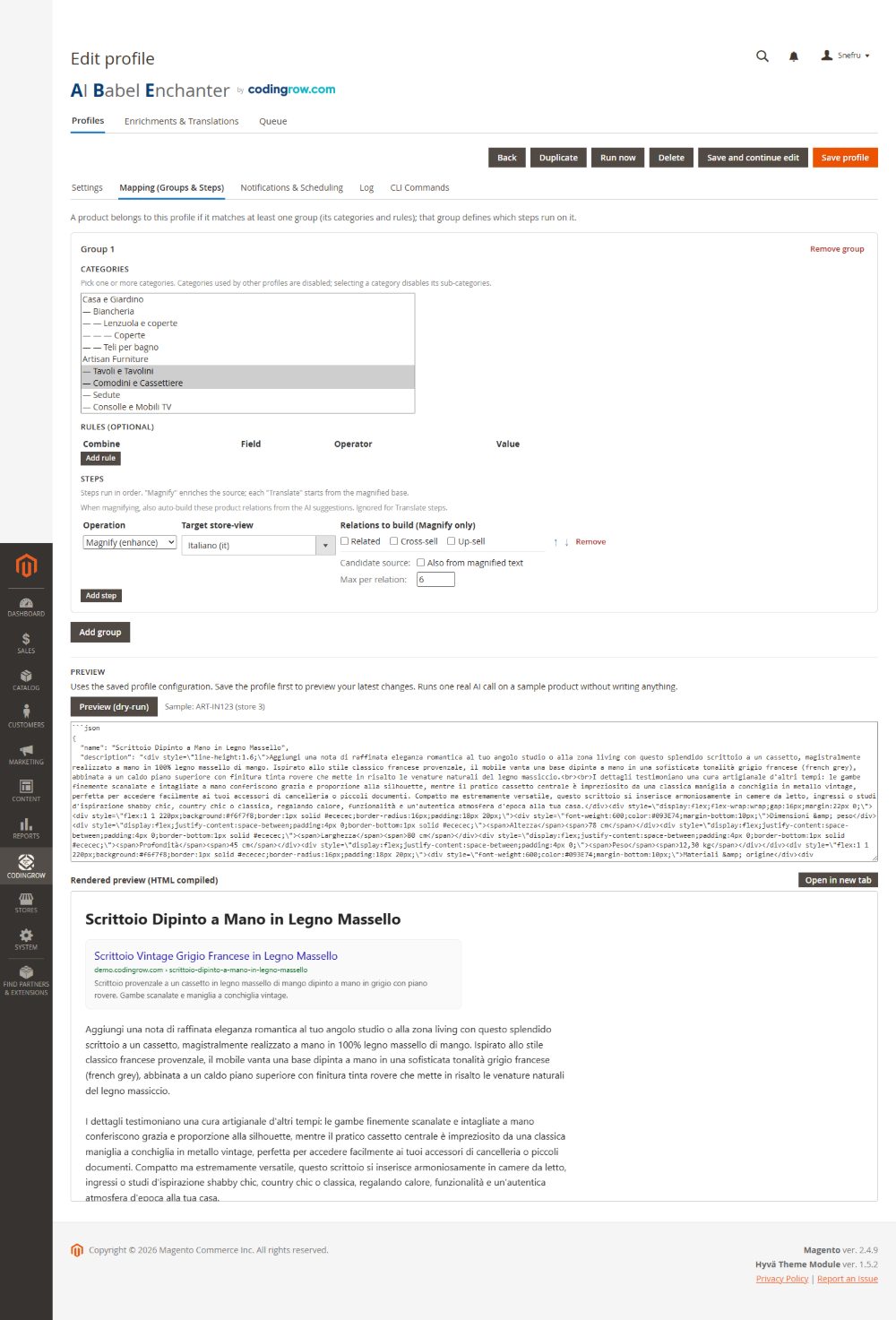
Manually translating names, descriptions, meta tags and even related/up-sell mappings for hundreds of SKUs across several store views is accurate but slow — and easy to leave incomplete.
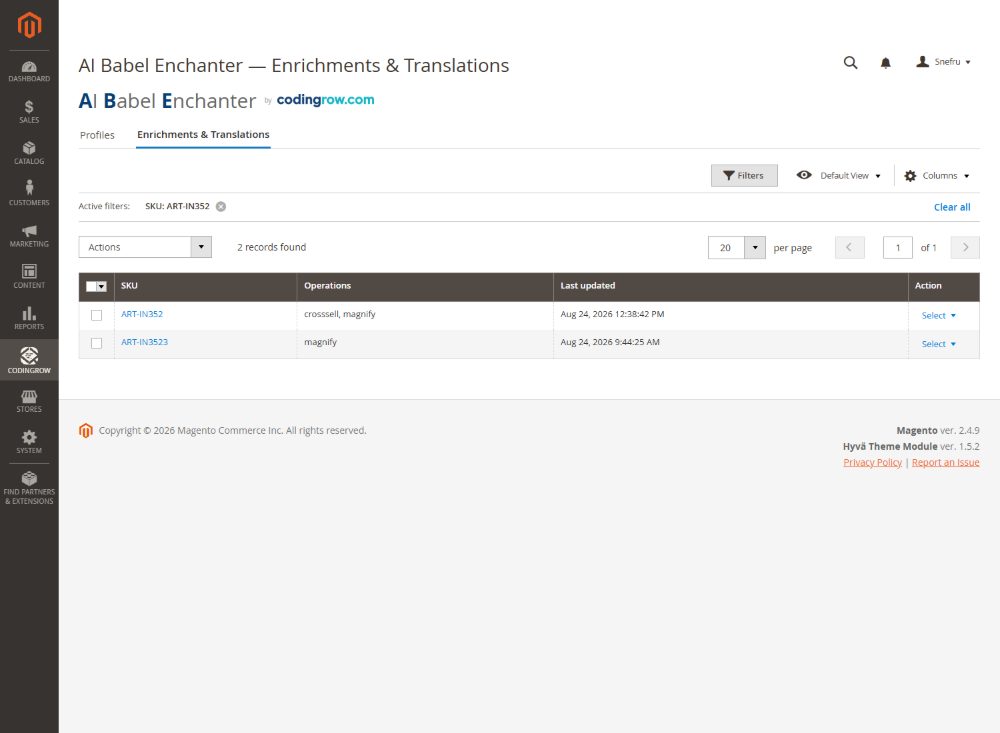
If your catalog is large or grows constantly, AI Babel Enchanter can generate and apply store-view-scoped translations, SEO meta and even cross-sell mappings directly onto your catalog, with a dry-run preview and one-click restore before anything goes live.