Selling in several markets means visitors expect to browse in their own language, and building a proper multi-language store Magento 2 setup natively is entirely possible without third-party extensions. This guide walks through the store structure, locale settings, language switcher and SEO tags you need to get it right the first time.
- Structure your Website > Store > Store View hierarchy for multiple languages
- Configure locale, currency and URL settings per store view
- Enable the language switcher and hreflang tags for SEO
- Understand where translated content lives (attributes, CMS, theme strings)
Step 1: Plan your store view structure
Magento organizes multi-language sites using the Website›Store›Store View hierarchy. In most cases one Website and one Store are enough — you just add a Store View per language.
Expect to see each store view listed with its own code, which will later appear in the URL or be used by the switcher.
en, fr, de — they are referenced in URLs, cache keys and CLI commands, so keep them predictable. If you also need different pricing or catalogs per language (not just translation), consider separate Websites instead of Store Views. For pure language variants of the same catalog, Store Views are the right scope.
Step 2: Create the store views
Repeat this for every language you want to support. After saving, run:
bin/magento indexer:reindex
bin/magento cache:flushStep 3: Set the locale for each store view
Scope the configuration to the store view level before changing locale settings, otherwise you'll overwrite the default for the whole store.
Expect date formats, number formats and default translations bundled with Magento's core language packs to switch automatically.
app/i18n/ or install additional language packages via Composer if a locale isn't listed. Step 4: Configure URLs and enable the switcher
Each store view needs a way to be reached — either via subdirectory, subdomain, or a query parameter combined with the switcher widget.
Then enable the built-in switcher block in your theme (most default themes already include it):
Expect a dropdown or flag list to appear in the header, letting shoppers jump between store views.
Add Store Code to Urls after the site is live can break existing bookmarks and indexed URLs. Plan this before launch, or set up 301 redirects if you change it later. Step 5: Translate CMS pages, blocks and theme strings
Store-view scoped content (CMS pages, static blocks, email templates) must be duplicated or translated per store view.
Duplicate each CMS page and assign it to the corresponding Store View in the page's properties.
For short UI strings (buttons, labels) coming from the theme or modules, use CSV dictionaries:
Expect Magento to pick up these translations automatically once the locale is set for that store view.
Translate Inline tool (Stores›Configuration›Advanced›Developer›Translate Inline) in a staging environment to spot and fix untranslated strings quickly — remember to disable it before going live. Step 6: Translate product and category content
Product attributes marked as Store View scope (name, description, short description, meta title) can hold different values per language.
Expect each store view to display its own version once saved; the default store view value is used as fallback if left empty.
Doing this manually for a handful of SKUs is fine, but it becomes a heavy, repetitive task once your catalog grows past a few hundred products across multiple languages.
Step 7: Add hreflang tags for SEO
Search engines need to know which URL corresponds to which language. Magento doesn't add hreflang tags natively for multi-store setups without a small theme customization, but the concept is straightforward:
- Each store view's page should output
<link rel="alternate" hreflang="fr" href="..." />tags pointing to its language siblings. - This is typically added via a layout XML customization or a lightweight extension in the
<head>block.
Step 8: Test every store view
Before launch, browse each store view end-to-end: homepage, category, product page, cart, and checkout.
Expect currency, locale formatting, translated labels and CMS content to be consistent throughout the funnel.
Checklist
- ☐ Store view created and enabled for each language
- ☐ Locale set correctly per store view scope
- ☐ Base URL / URL structure configured and tested
- ☐ Language switcher visible and working on storefront
- ☐ CMS pages and static blocks duplicated and translated
- ☐ Theme string dictionaries (CSV) in place for each locale
- ☐ Product name, description and meta fields translated per store view
- ☐ Hreflang tags implemented for SEO
- ☐ Full checkout flow tested on every store view
Keep a spreadsheet mapping each store view code to its language, locale and base URL — it saves confusion during QA and when onboarding new team members.
Common mistakes
Changing global scope instead of store view scope. Always switch the scope dropdown at the top-left of the configuration page before editing locale, currency or design settings meant for one language only.
Leaving translated attributes empty. If a store-view-scoped attribute is left blank, Magento silently falls back to the default value, which often means an untranslated product slipping through to a foreign-language storefront.
Forgetting to reindex after adding store views. New store views can produce inconsistent category or search results until you run bin/magento indexer:reindex.
No process for keeping translations in sync. When a product description changes in the default language, nothing automatically flags the translated versions as outdated — this needs a manual or automated review process.
FAQ
Do I need a separate Website for each language?
No. If pricing, catalog and customer groups are the same across languages, a single Website with multiple Store Views is simpler to maintain and sufficient for most multi-language stores.
Can I use subdomains instead of subdirectories for each language?
Yes. Set a different Base URL per store view scope under Stores›Configuration›General›Web. Both approaches work for SEO as long as they're configured consistently and cross-linked with hreflang tags.
How does Magento handle currency in a multi-language store?
Currency is configured separately from locale, under Stores›Configuration›General›Currency Setup, and can be scoped per store view or website depending on your needs.
What happens to product attributes not translated for a store view?
Magento falls back to the default store view's value for any store-view-scoped attribute left empty, which can result in mixed-language pages if not managed carefully.
A faster alternative
Manually translating names, descriptions, meta tags and even related-product mappings for every SKU across every store view is the part that turns a clean native setup into weeks of repetitive editing — especially with large or frequently updated catalogs.
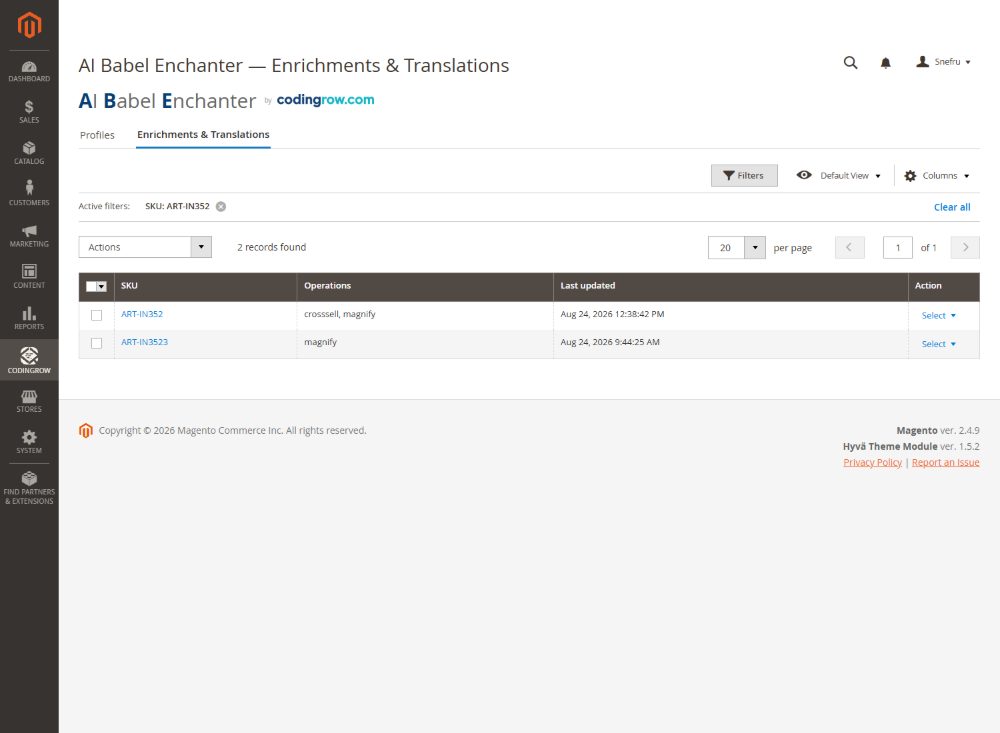
For stores that need to translate and enrich catalog content at scale, AI Babel Enchanter generates and applies product translations directly into the right store view scope, with a dry-run preview and the ability to restore the original content at any time if you're not fully satisfied.