Shoppers who search and get "Your search returned no results" rarely try a second query — they leave. This guide shows how to reduce zero search results Magento 2 stores generate, using only native admin tools: reports, synonyms, attribute weighting and reindexing.
Step 1: Find your zero-result search terms
Before fixing anything, you need data on what customers actually type.
Export the list and look for patterns: misspellings, synonyms, brand names, or plural/singular variants of your product names.
Step 2: Check your search engine configuration
Magento's relevance depends heavily on the underlying search engine setup.
Save the configuration, then confirm the search engine itself (Elasticsearch/OpenSearch) is reachable from Stores›Configuration›Catalog›Catalog›Catalog Search›Search Engine — a misconfigured host or port silently returns empty results for everything.
Step 3: Add synonym groups for common alternate wording
This is the single highest-impact native fix for zero-result searches.
Click Add New Synonym Group and enter comma-separated terms that should be treated as equivalent, for example:
sneakers, trainers, kickslaptop, notebooktshirt, t-shirt, tee
Save the group — Magento applies synonyms at query time without a full reindex.
Step 4: Fix typos and misspellings the same way
Synonym groups also work for common misspellings, which is often the biggest single category of zero-result searches.
bluetooth, blootooth, blutoothhoodie, hoody
Step 5: Increase the search weight of key attributes
Sometimes results exist but aren't matched because the searched term lives in an attribute with low priority.
Open the relevant attribute (e.g. brand, sku, color) and check:
Save the attribute, then move to reindexing in the next step.
Use in Search = Yes; enabling it on a new attribute requires a full reindex to take effect. Step 6: Reindex catalog search
Any attribute or configuration change needs the fulltext index rebuilt.
Locate Catalog Search Fulltext Index and confirm its status, or run it from the command line:
php bin/magento indexer:reindex catalogsearch_fulltextStep 7: Give dead-end searches a soft landing
Even with synonyms, some queries will legitimately have no matching product. Redirect these to something useful instead of an empty page.
Add a new search term entry with the exact query text and set:
This converts a dead end into a browsing opportunity instead of a bounce.
Checklist
- ☐ Exported the zero-result search terms report and identified recurring patterns
- ☐ Verified the search engine connection is healthy
- ☐ Created synonym groups for wording variants and common misspellings
- ☐ Raised search weight on key attributes like brand or model
- ☐ Reindexed
catalogsearch_fulltextafter every change - ☐ Added redirects for unfixable dead-end queries
- ☐ Re-checked the search terms report a few weeks later to confirm improvement
Common mistakes
Editing synonyms but never reindexing after attribute changes. Synonym groups apply live, but attribute weight or "Use in Search" flags need catalogsearch_fulltext rebuilt to take effect.
Merging too many unrelated words into one synonym group. This dilutes relevance and can make results worse, not better — keep groups tight and topic-specific.
Ignoring store-view scope. A synonym set globally may not apply as expected if a store view overrides catalog search settings — check scope explicitly when results differ between websites.
Only fixing today's top queries. Search behavior shifts with promotions and seasons; revisit the zero-result report monthly, not once.
FAQ
How often should I check the zero search results report?
Monthly is a reasonable baseline for most stores, but check weekly during major campaigns or seasonal sales when customers use unfamiliar terminology tied to promotions.
Do synonyms require reindexing to work?
No — synonym groups managed under Marketing›SEO & Search›Search Synonyms apply at query time. Attribute-level search weight and visibility changes do require a catalogsearch_fulltext reindex.
Can synonyms fix misspellings for every possible typo?
Only for the ones you've explicitly added. Native Magento search synonyms are exact-match groups, not fuzzy matching, so you'll need to keep expanding the list based on real customer queries.
Will lowering the minimum query length actually increase good matches?
It can help with short SKUs or codes, but test carefully — very short minimums can trigger overly broad matches and hurt relevance for longer, more specific searches.
A faster alternative
Native synonyms and reindexing genuinely reduce zero-result searches, but they still return a flat product grid — and someone has to keep mining reports and updating groups by hand.
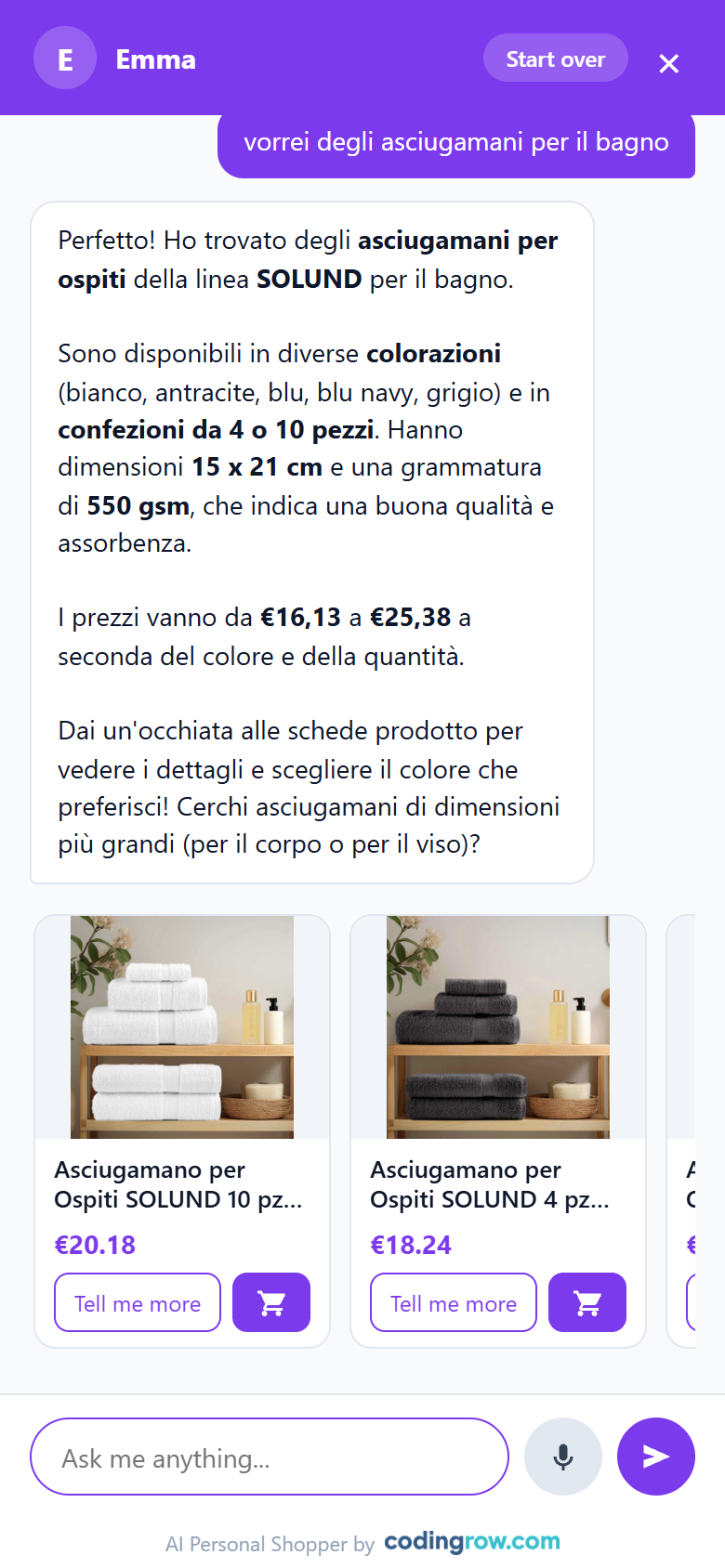
An AI-driven assistant can go further: when a shopper's phrasing doesn't match any product exactly, it can fall back to relevant categories instead of a blank page, and it keeps a synonym registry you can review and push straight into site search with one click.
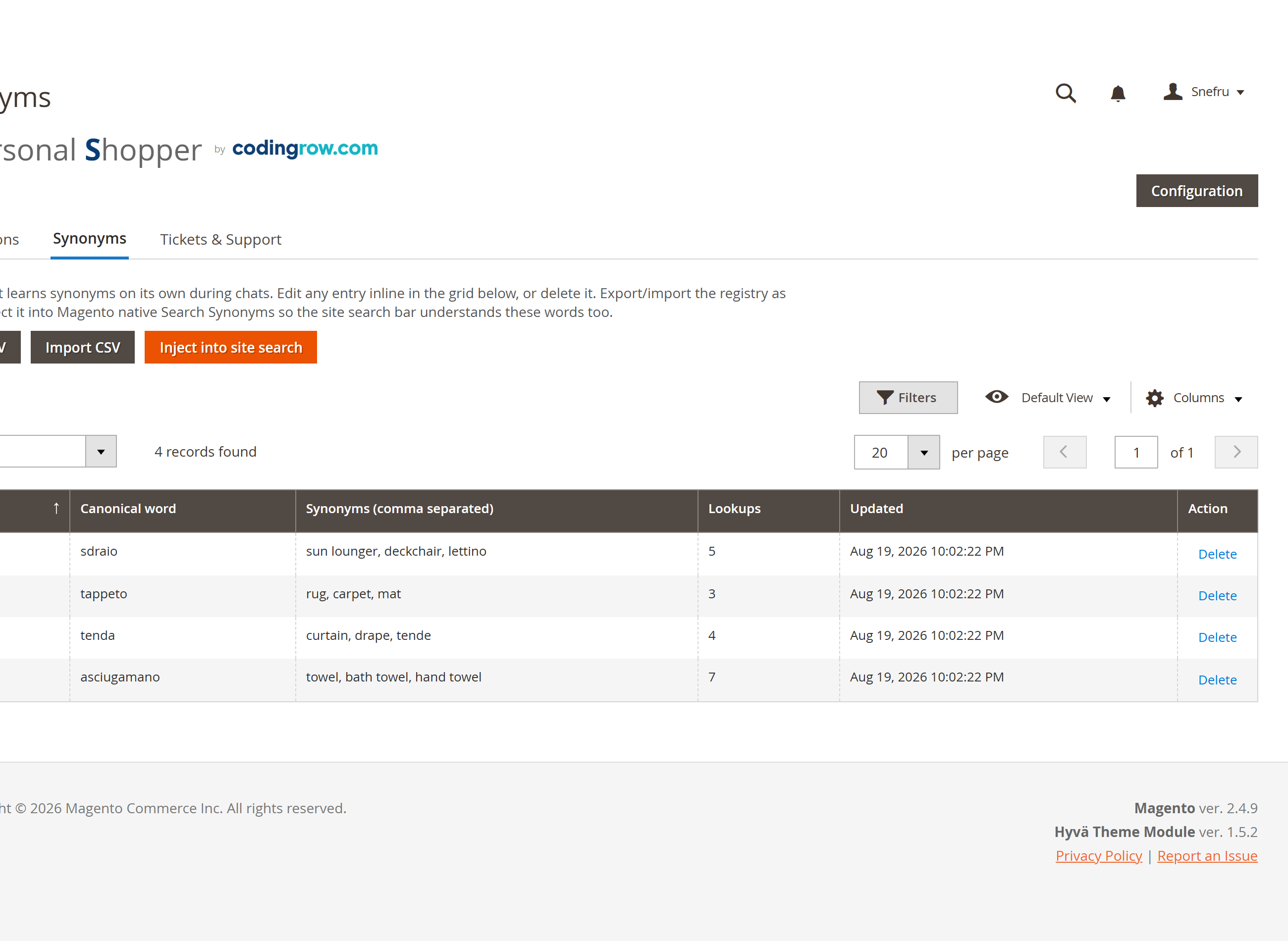
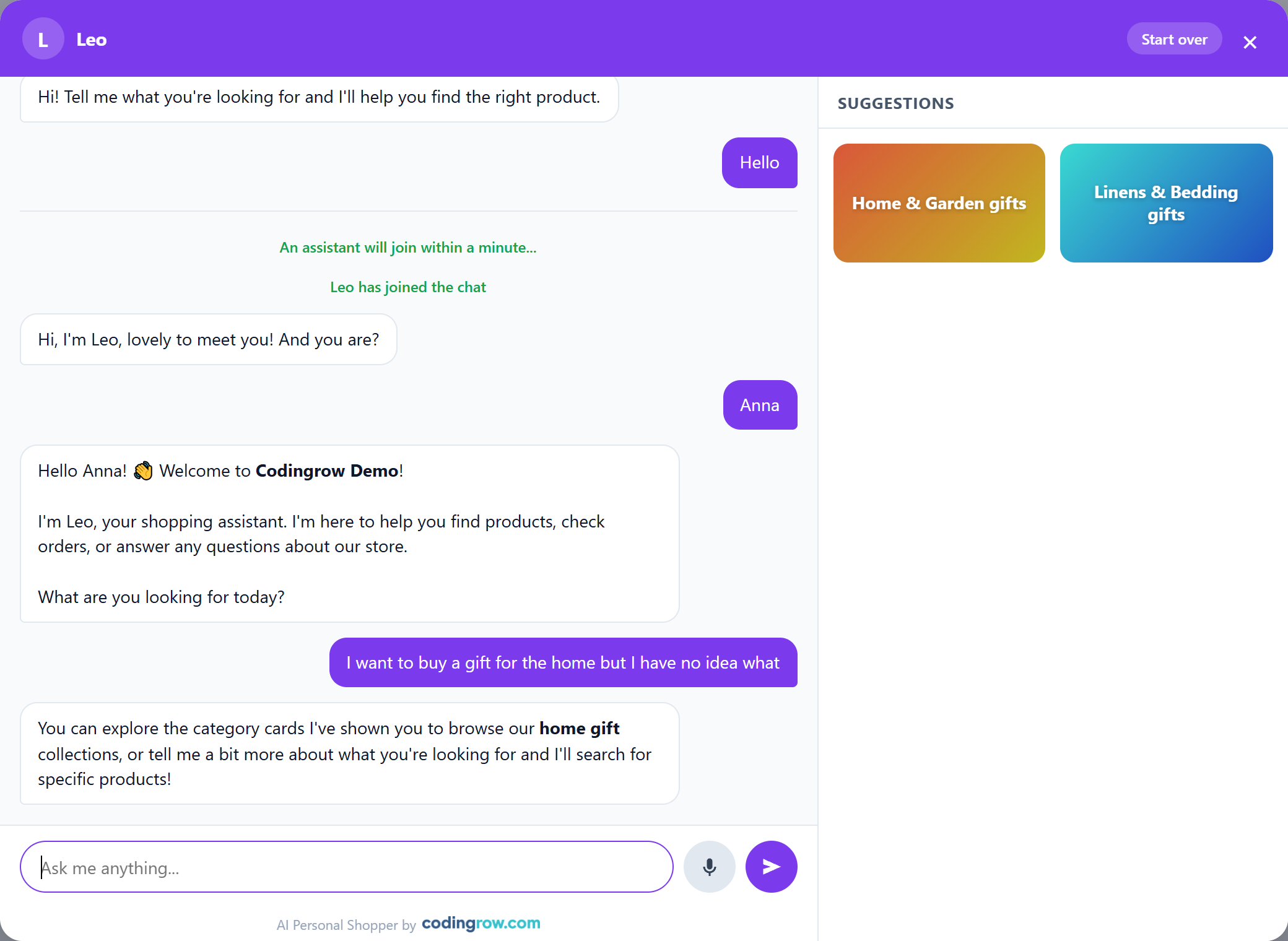
If you'd rather not maintain synonym lists manually forever, the AI Personal Shopper handles vague or mistyped queries conversationally and turns dead-end searches into product or category suggestions instead of empty result pages.