Shoppers expect instant feedback the moment they start typing in a search box, but by default search autocomplete in Magento 2 can feel sparse or inconsistent. This guide walks through the native configuration options that control how many suggestions appear, how fast they trigger, and how to keep them relevant.
- Confirm your search engine supports live suggestions
- Tune minimal/maximum query length and result count
- Improve relevance with synonyms and search terms
- Reindex and validate the autocomplete dropdown on storefront and mobile
Step 1: Confirm your search engine
Autocomplete quality depends entirely on the indexing engine behind it.
If this is set to a legacy engine, suggestions will be limited to basic keyword matches without real product data.
Step 2: Set the minimal and maximum query length
These two fields decide when Magento starts searching and how long a phrase it will accept.
A value of 3 means suggestions won't appear until the shopper types at least three characters — a good balance between relevance and responsiveness.
Minimal Query Length to 1 can overload the search index with too many broad matches and slow down the dropdown on large catalogs. Step 3: Control how many products appear in the dropdown
Magento lets you cap the number of product suggestions shown as the customer types.
Increase this value if your catalog is large and shoppers need more options to spot the right product, but keep it reasonable — a dropdown with 20 items becomes harder to scan, not easier.
Start with 5-6 results. Test on mobile first: a long dropdown pushes the keyboard and other content off-screen on small devices.
Step 4: Improve relevance with synonyms and search terms
Raw product titles rarely match the exact words shoppers type. Synonyms and logged search terms fix that gap.
Review the terms customers actually search for, then fill gaps with synonym groups.
This way, typing "trainer" surfaces products titled "sneakers" in the autocomplete list, not just an empty state.
Step 5: Reindex and clear the cache
Configuration changes and new synonyms won't show up until the catalog search index is rebuilt.
Select the Catalog Search indexer (and Catalog Search full-text index if listed separately) and reindex.
Alternatively, from the command line:
bin/magento indexer:reindex catalogsearch_fulltext
bin/magento cache:flush
Catalog Search indexer to Update on Save while testing configuration changes, then switch it back to Update by Schedule for production performance. Step 6: Test the autocomplete dropdown on storefront
Open an incognito browser window and type a partial product name into the header search box.
- Confirm suggestions appear after your configured
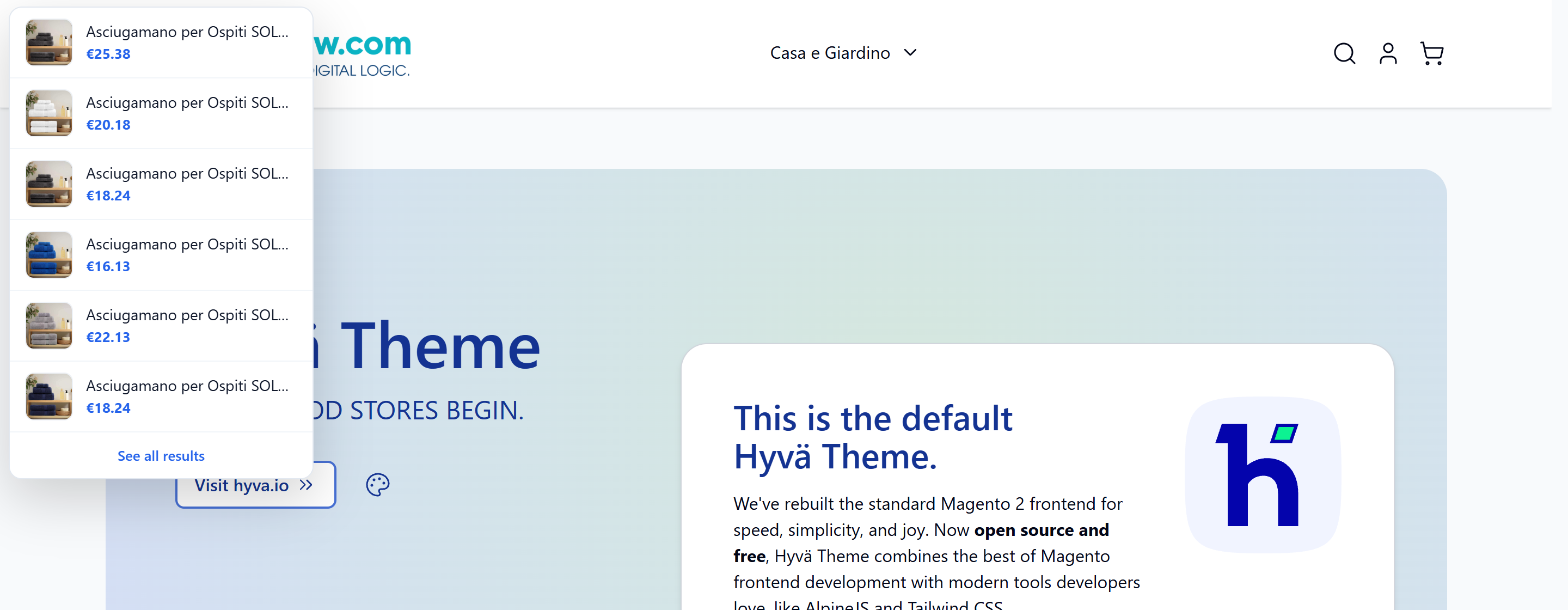
Minimal Query Length - Check that product thumbnails, names and prices render correctly
- Verify synonym matches return the expected products
- Repeat the same search on a phone or a resized browser window
Step 7: Fine-tune for Adobe Commerce (optional)
If you're on Adobe Commerce, additional relevance tools are available under the same section.
This surfaces related search phrases beneath the results, helping shoppers refine queries without retyping from scratch.
Checklist
- ☐ Search engine confirmed as OpenSearch or Elasticsearch
- ☐
Minimal Query LengthandMaximum Query Lengthset sensibly - ☐
Number of Top Search Resultstuned to catalog size - ☐ Search terms reviewed and synonym groups created
- ☐ Catalog search index rebuilt after every change
- ☐ Dropdown tested on desktop and mobile
- ☐ Product thumbnails verified for top-selling items
Common mistakes
Autocomplete shows nothing at all. The search engine is likely misconfigured or the full-text index hasn't run. Reconfirm Search Engine and reindex catalogsearch_fulltext.
Dropdown feels slow. Minimal Query Length is too low, forcing Magento to query on every single keystroke. Raise it to 3 or 4.
Irrelevant products in results. Synonyms are missing or product titles/descriptions lack the keywords shoppers actually use. Review Search Terms reports regularly.
No images in suggestions. Products are missing a base image, or the image cache needs regenerating with bin/magento catalog:images:resize.
Changes don't appear on storefront. Cache and index weren't refreshed. Always pair configuration edits with a reindex and cache flush.
FAQ
Does native Magento autocomplete work without Elasticsearch or OpenSearch?
A basic text-only dropdown can still appear, but full product previews with images and prices require OpenSearch or Elasticsearch properly configured as your search engine.
How many results should I show in the autocomplete dropdown?
Most stores work well with 5-8 suggestions. Beyond that, the list becomes harder to scan, especially on mobile screens.
Can I show category or CMS page suggestions too, not just products?
Native Magento focuses the autocomplete dropdown on catalog products and, on Commerce, search recommendations. Broader content suggestions typically require custom development or a dedicated search extension.
Why do some searches return zero suggestions even after reindexing?
Check that the search term meets Minimal Query Length and that matching products are enabled, in stock, and assigned to the current store view and website.
A faster alternative
Native configuration gets you a working, relevant autocomplete — but tuning query length, synonyms, and layout across desktop and mobile takes ongoing effort as your catalog grows.
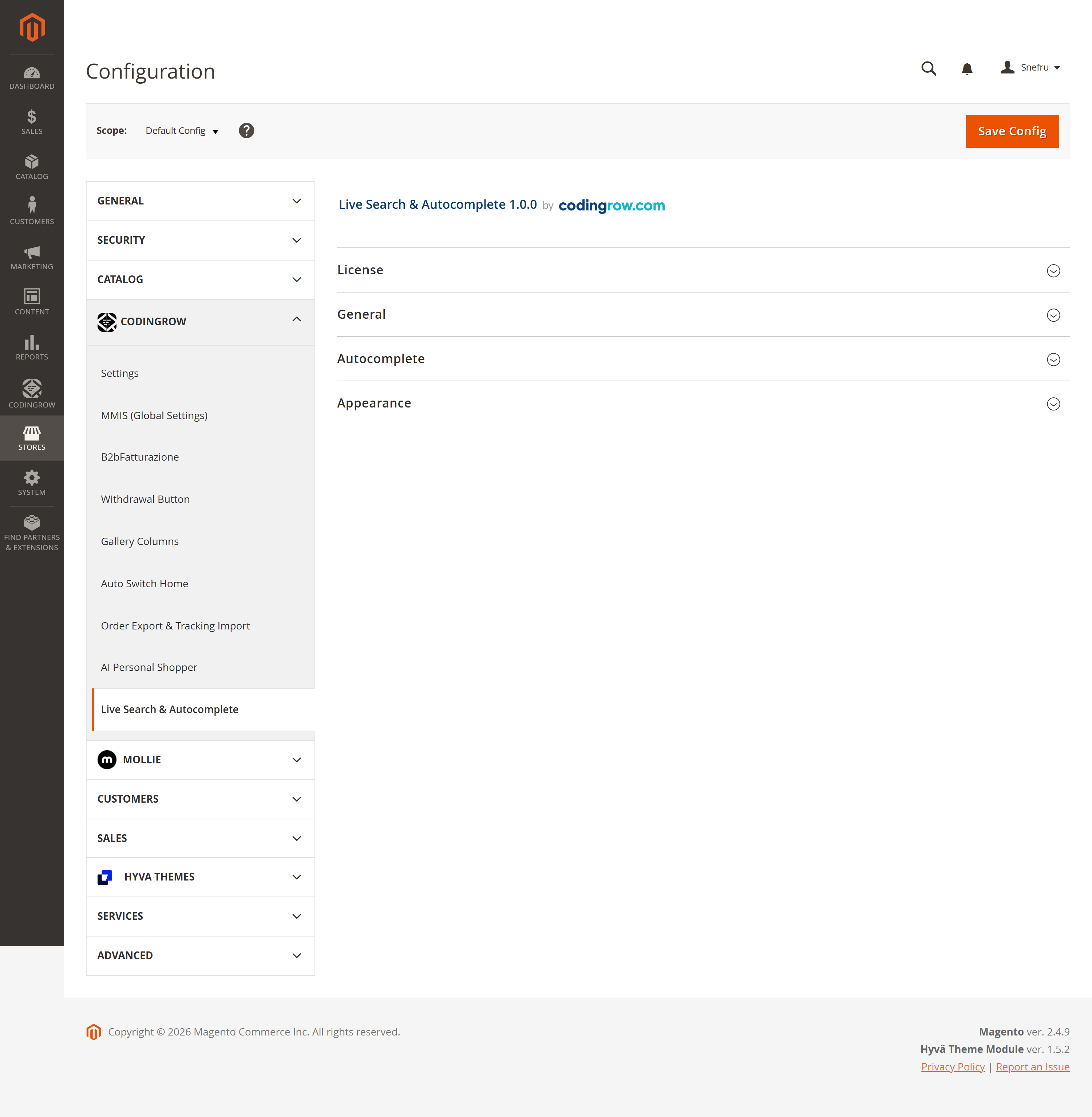
If you'd rather have real-time product suggestions, images, and sticky search behavior configured through a single admin panel, take a look at Live Search & Autocomplete for Magento 2, which extends native search with a richer, ready-to-use dropdown experience.