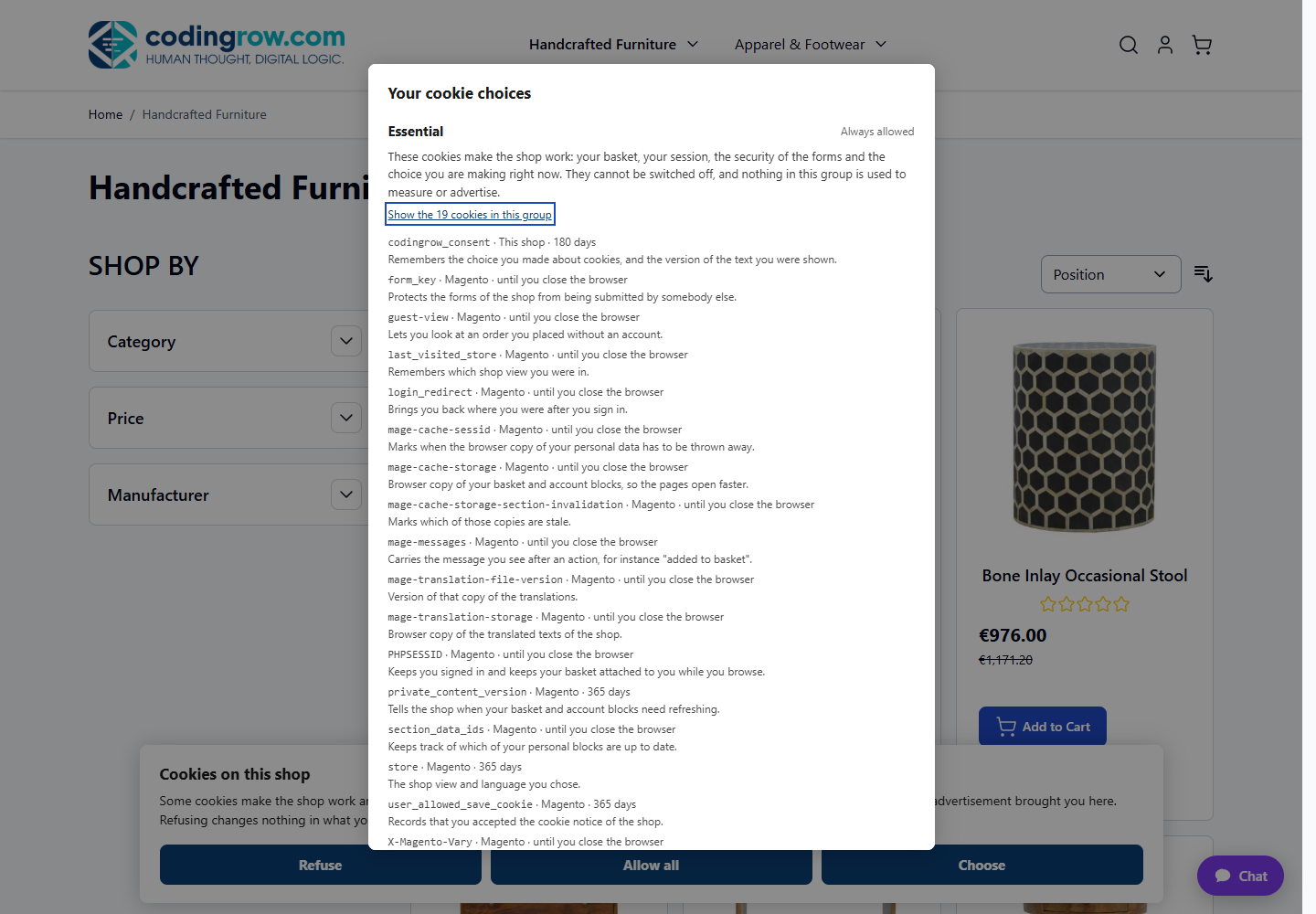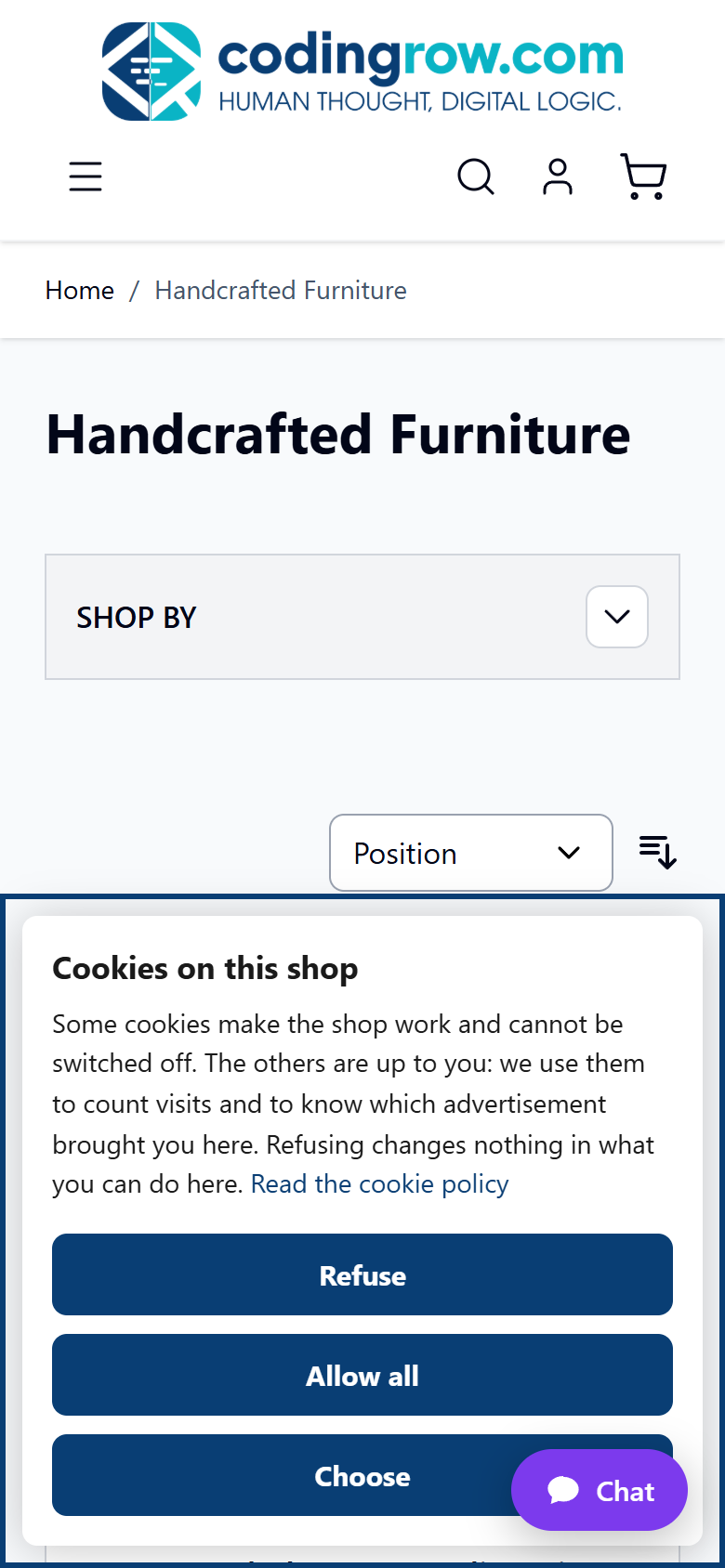
If you sell to customers in the EU or UK, you likely need a cookie consent banner in Magento 2 to inform shoppers about tracking cookies before they browse further. Magento ships with a built-in cookie notice you can switch on in minutes, but it has real limits once you dig into actual GDPR requirements.
- Enable Magento's native
Cookie Restriction Modeso a notice appears on first visit. - Customize the banner message, link text, and cookie lifetime without touching code.
- Learn how to translate the banner per store view.
- Understand where the native feature falls short of real GDPR/ePrivacy compliance — and what to do about it.
Step 1: Locate the native cookie settings
Magento's cookie notice lives under the general web configuration, not under a dedicated "privacy" section.
Scroll down to the Default Cookie Settings section. This is the only panel controlling the native banner.
Step 2: Turn on Cookie Restriction Mode
Setting this to Yes activates the front-end notice that appears at the bottom of the page for first-time visitors.
- Expect a simple bar with a short sentence and one button, usually labeled "Allow Cookies" or similar depending on your theme.
- The notice disappears once the visitor clicks the button or continues browsing, depending on theme implementation.
- It reappears if the visitor clears cookies or opens the site in a private window.
Step 3: Set the cookie lifetime
This value is in seconds (the default equals one year). Lower it if your legal team wants shorter consent retention, for example 7776000 for 90 days.
- A shorter lifetime means returning visitors see the banner again more often.
- There's no visual field for "days" — you must calculate seconds yourself.
Step 4: Customize the banner text
The default message is generic ("We use cookies to make your experience better..."). To change it without a custom module:
Open the configuration row for your active theme and check for a footer/notice content block, or use translations instead:
- Enable inline translation on the storefront (admin and store view scopes only, never on production long-term).
- Reload the page with the banner visible, click the small translation icon next to the text, and enter your custom wording.
- Disable inline translation again once you're done.
Translate Inline enabled on a live store degrades performance and can expose edit controls to shoppers. Turn it back to Disabled immediately after editing. Alternatively, developers can override the string via a CSV dictionary file per locale (i18n folder in the theme), which is safer for production and version control.
Step 5: Add a link to your privacy/cookie policy
The native banner text is plain and doesn't include a built-in link field. Two practical native options:
- Edit the translated string (Step 4) to include an HTML anchor tag pointing to your CMS privacy page, if your theme renders the text unescaped.
- Create a CMS page first:
Set the Page Title to something like Cookie Policy and publish it, then reference its URL key inside the banner text.
Step 6: Verify on both desktop and mobile
Before going live, check the banner on a few real breakpoints:
- Desktop browser, full width, private window.
- Mobile viewport in dev tools or a real phone.
- Make sure the button is reachable and not hidden behind a sticky header or chat widget.
Checklist
- ☐
Cookie Restriction Modeset toYesunder Stores›Configuration›General›Web - ☐
Cookie Lifetimeset to a value agreed with your legal/compliance team - ☐ Banner text reviewed and translated per store view
- ☐ Link to a published privacy/cookie policy page added
- ☐ Banner tested in incognito mode on desktop and mobile
- ☐
Translate Inlinedisabled again after editing text
Common mistakes
Assuming the native banner is GDPR-compliant. Magento's notice only informs visitors — it doesn't block tracking scripts (analytics, ads, remarketing pixels) until consent is given, and it has no "Reject" button or cookie categories. Under GDPR/ePrivacy rules, non-essential cookies should only fire after explicit, granular consent.
Forgetting it's store-view scoped. If you manage multiple languages or countries, you must repeat Steps 2–4 for each store view, or the banner may show the wrong language or no banner at all on some storefronts.
Leaving Translate Inline on in production. This is a common oversight after a quick text edit — it slows down page rendering and should always be switched back to Disabled.
No audit trail of consent. Native Magento doesn't log who accepted what and when, which is often required for compliance documentation in an audit.
FAQ
Does Magento's native cookie banner satisfy GDPR requirements?
Not fully. It informs visitors that cookies are used, but it doesn't offer a genuine accept/reject choice, doesn't block scripts before consent, and doesn't let visitors manage categories of cookies separately.
Can I change the banner button text without editing code?
Yes, using Translate Inline as described in Step 4, or by supplying a theme-level CSV translation file if you prefer a code-based, version-controlled approach.
Why does the banner keep reappearing for the same visitor?
This usually happens if Cookie Lifetime is short, if the visitor clears cookies, or if they switch between HTTP and HTTPS, which Magento treats as a different context in some configurations.
Can I show different consent text per country or language?
Yes — because the setting is store-view scoped, you can configure different text, links, and even enable/disable the notice entirely per store view under Stores›Configuration.
Is there a native way to block Google Analytics or ads until consent is given?
No. Native Magento has no built-in consent-based script blocking; that logic requires custom development or a dedicated consent management extension.
A faster alternative
If your store needs real, documented consent — categorized cookies, a genuine reject option, automatic script blocking, and a preference center visitors can reopen anytime — building all of that natively means custom templates, JavaScript tag management, and ongoing maintenance.
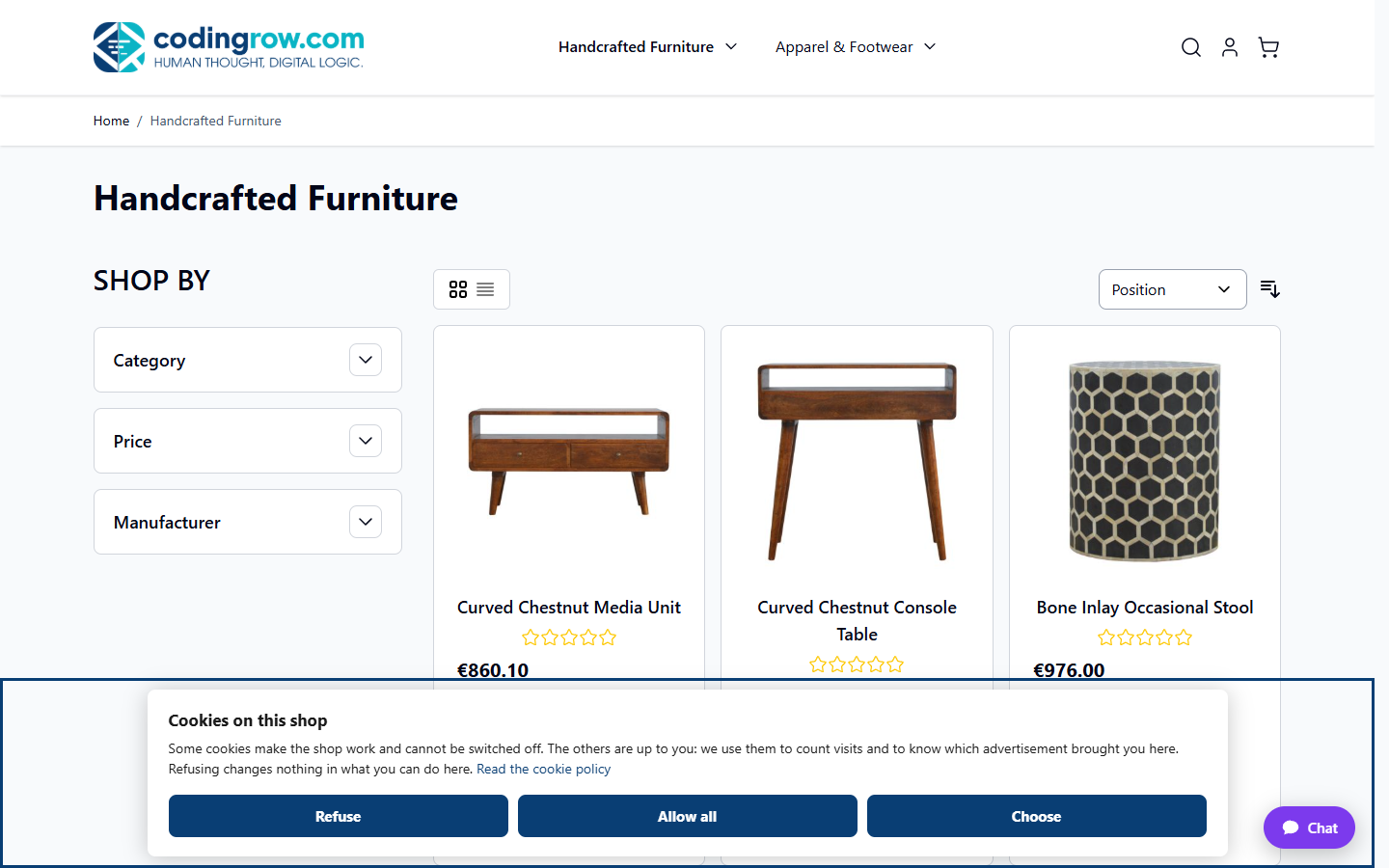
The Cookie Consent extension for Magento 2 adds a ready-made banner with equal-weight accept, reject, and preferences buttons, plus a detailed panel showing every cookie, who sets it, and how long it lasts.